Blog
Headshot poses: angles and expressions that look natural on camera
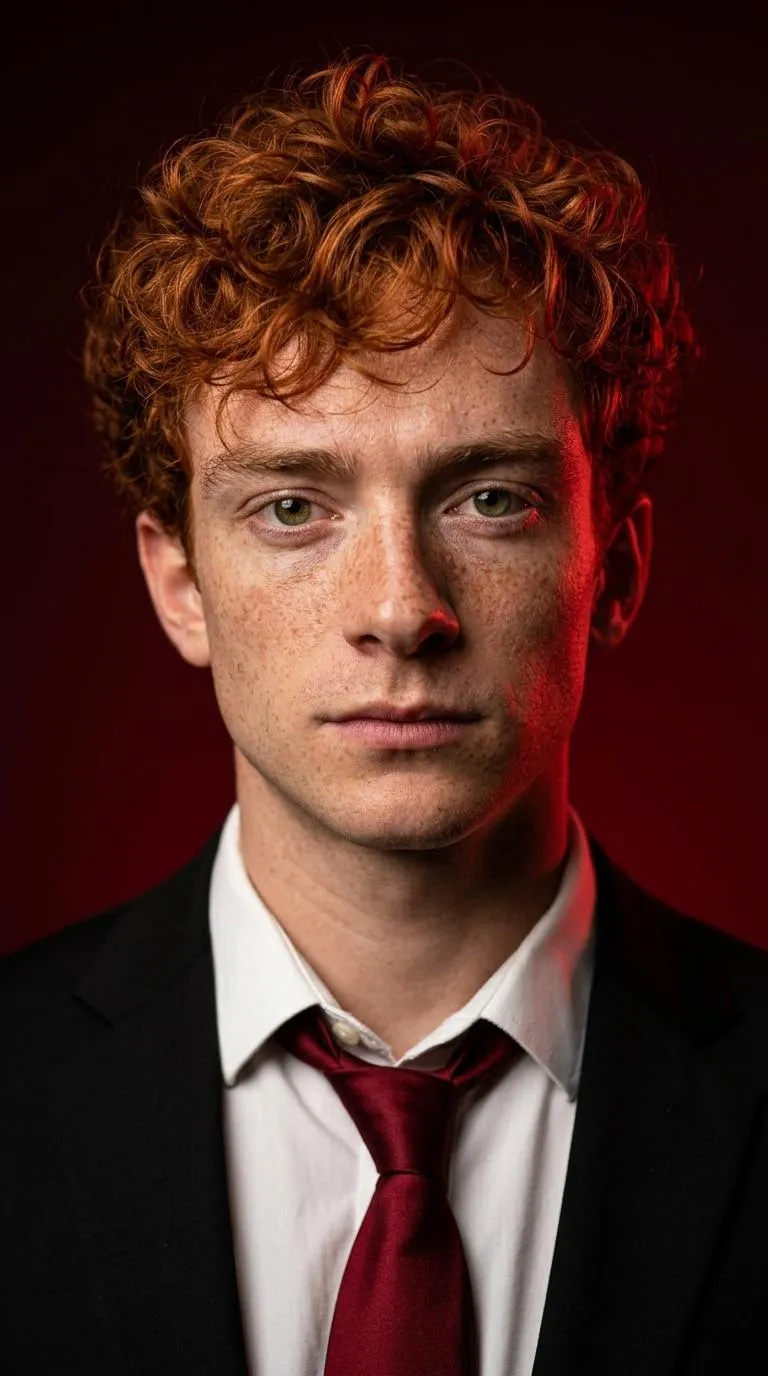
Headshot poses start with your face toward the lens and the camera at eye level. Keep your chin level and shoulders relaxed. The AI headshot generator uses a pose set by your selected style, with a direct pose for Crimson and a three-quarter pose for Corporate.
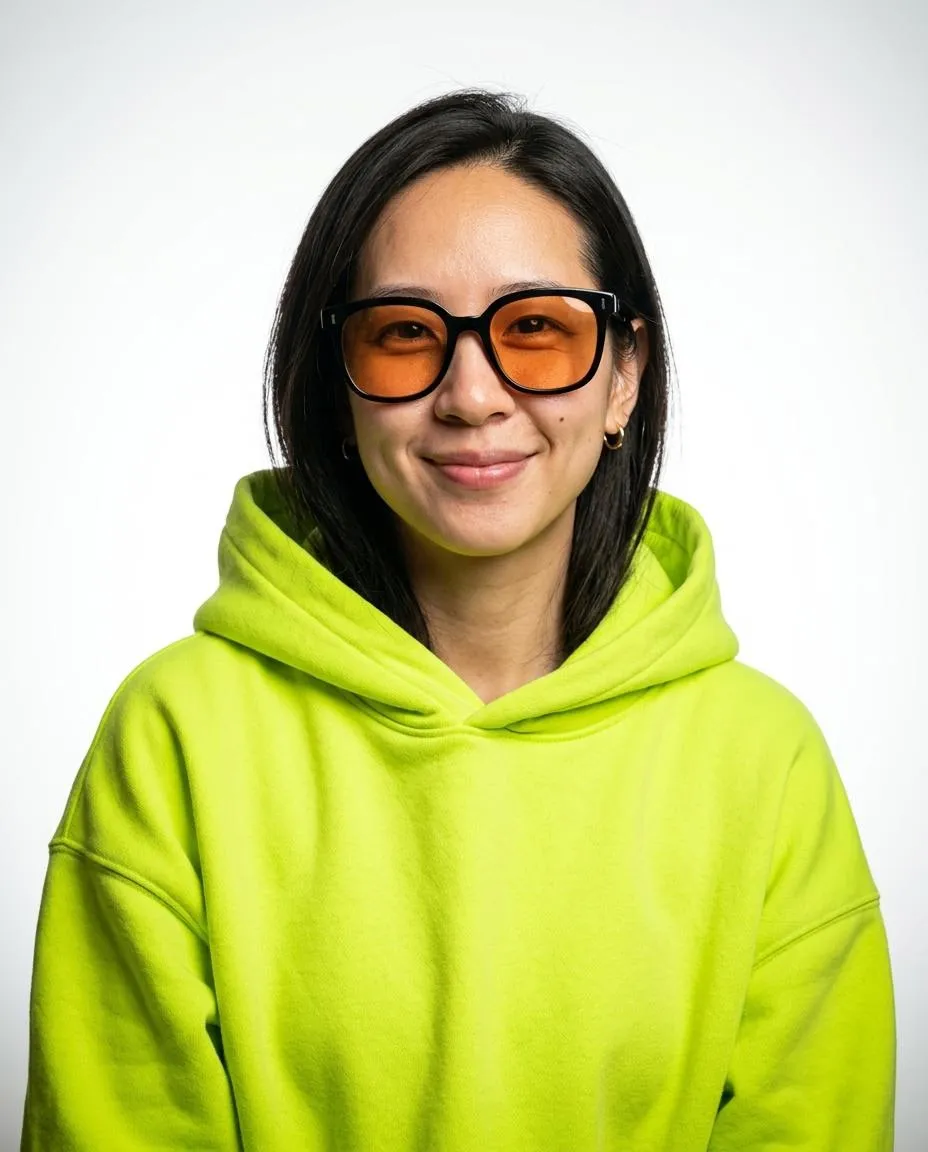
Which headshot pose fits a profile photo?
Use the camera at eye level with your face toward the lens. Keep space above your hair and include your shoulders. The LinkedIn template uses a natural expression or slight smile and slightly angled shoulders in a vertical 4:5 frame. Choose that style in the AI headshot generator for a profile crop with room around your face.
How does the Corporate pose differ?
The Corporate template uses a three-quarter view with the head turned back toward the lens. It uses a hint of a smile and frames the portrait above the chest. The charcoal suit jacket and blue-gray studio gradient complete the style. Choose this look for a company bio or staff page with a vertical portrait.
Which pose does the Crimson style use?
The Crimson template faces the camera at eye level. It frames from the chest up with a steady serious gaze and closed mouth. A crimson backdrop and black suit jacket with a loosened dark red tie complete the look. Use this tall portrait for a creative bio or a personal portfolio. Keep the tie visible in that layout.
How do I pose in the selfie?
Face the camera with your chin level and both shoulders visible. Keep your hands away from your face and use even daylight. Remove sunglasses and hats so the photo shows your features clearly. The AI headshot generator takes this selfie as the reference while the selected template sets the portrait’s pose and framing.
Which styles use an open smile?
Doctor uses a warm smile in a blurred clinic setting. Real Estate uses a broad friendly smile against a blurred bright living room. Both templates frame the person from mid chest up. Compare their clothes and settings in the AI headshot generator before choosing a style for a practice page or agent profile.
How do I prepare my shoulders for the selfie?
Keep both shoulders visible and let your arms rest away from your face. Place the camera at eye level with your chin level. Use the preview to check that the photo includes space above your hair. These preparation steps give the template a clear view of your upper body. Choose the style whose portrait framing matches the place you will use it.
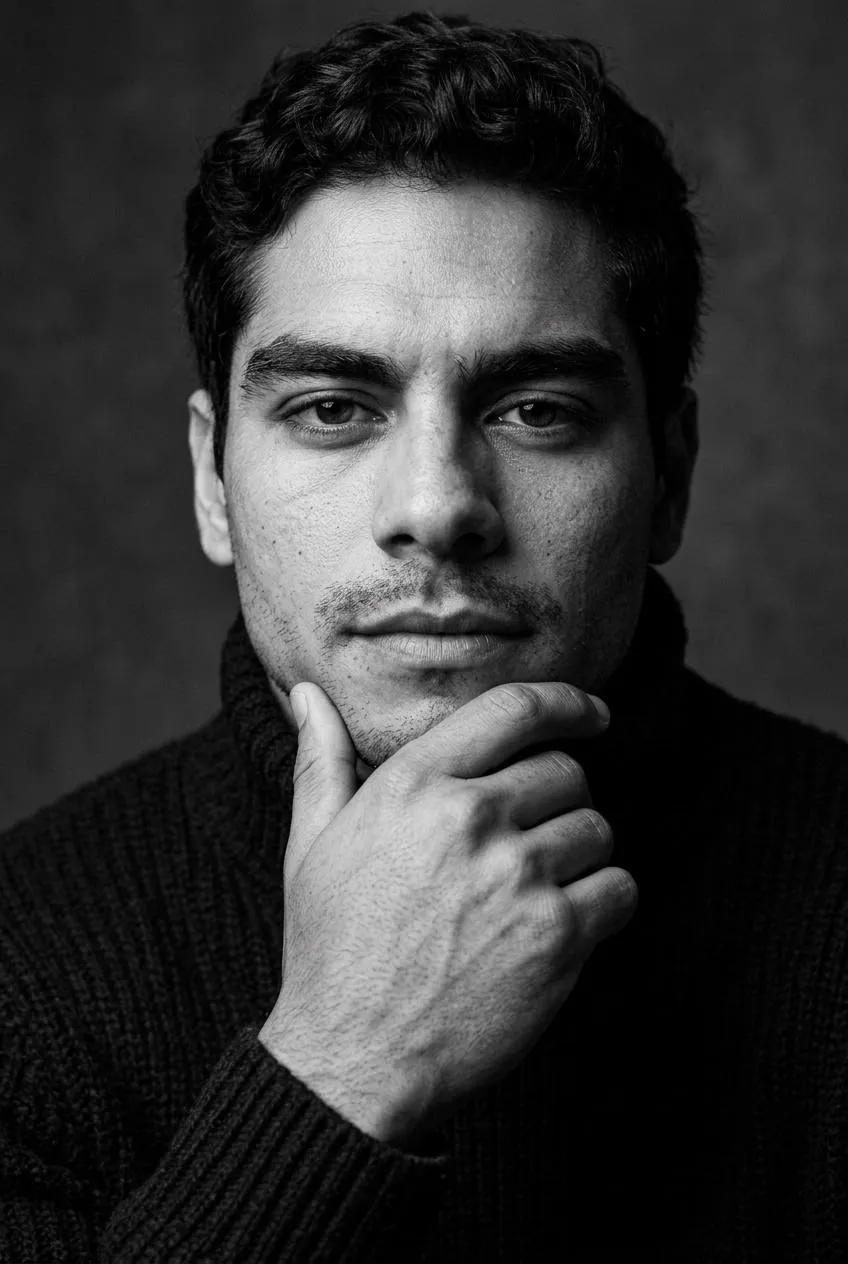
Which style uses a relaxed pose against gray?
Actor sets a relaxed pose and a plain dark crew neck top against a gray studio backdrop. Take the selfie with your face toward the camera. Check the shoulders and neckline in the preview before generating. Each template sets its pose, framing and outfit. Compare those details on the individual template pages.
How do I leave room for a circular crop?
Leave space above the hair and around the shoulders when taking the selfie. The LinkedIn style uses a vertical 4:5 frame from mid chest up. Keep the JPG download before making a smaller profile copy. Preview that copy inside your profile layout so you can check the position of your head before publishing the final image.
How do I match poses on a team page?
Choose a shared template before each person generates their portraits. Corporate uses a three-quarter pose against a blue-gray studio gradient. Actor sets a relaxed pose with the shoulders slightly turned. Ask everyone for a photo at eye level with both shoulders visible. Crop the downloaded portraits to the same frame before adding them to the page.
How do I choose between a square and vertical portrait?
Look at the layout where the headshot will appear. All styles here use vertical frames in 4:5, 2:3 or 9:16. Choose the closest frame before generating and download the JPG before cropping. Keep the face centered with space above the hair. A separate copy for each layout lets you keep the full file available for another use.
Sources
- Nasal Distortion in Short-Distance Photographs: The Selfie EffectJAMA Facial Plastic Surgery via PubMed
How do I use the AI headshot generator?
Pick 3 styles and upload one selfie in the AI headshot generator. Buy credits in Pricing, accept the terms and generate. Your selected photo and styles stay in this browser when you return from payment. Download your headshots from My images and save the JPG files on your device.