Studio headshot: Emerald Studio
Get a studio headshot without booking a studio. Emerald Studio pairs a dark green backdrop with strong side light, a black turtleneck and a dark blazer. The close framing keeps your face at the center.
Use the AI headshot generator in this style
Try this template
Add a photo
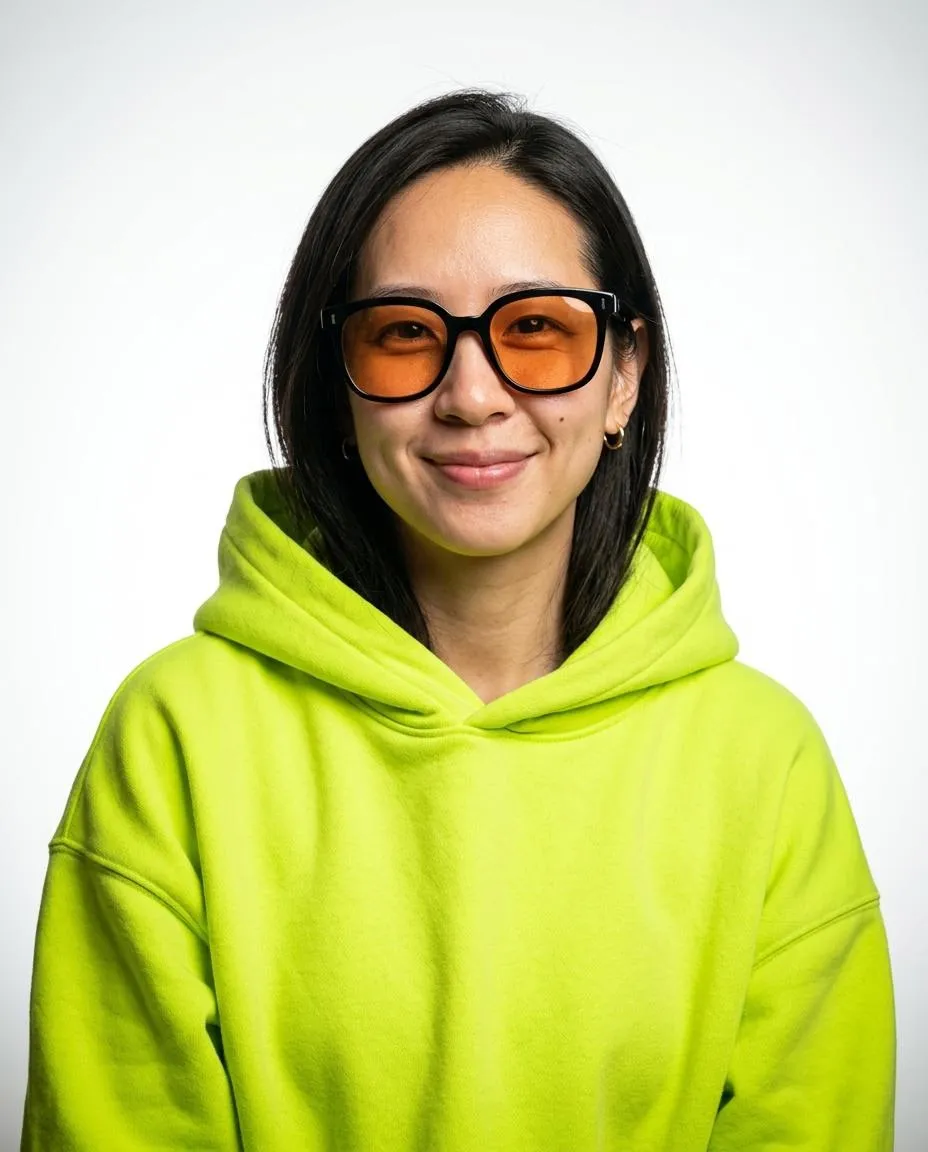
Use a clear selfie in even light. Face the camera with no sunglasses, hat or heavy filter.
Add your photo*
Use a clear selfie in even light. Face the camera with no sunglasses, hat or heavy filter.
- Eye level
- Window light
- Use a sharp photo
- Sunglasses, hats or beauty filters
Pick your styles
Download your headshots
Download your professional headshot for profiles and websites.
Can I get a studio headshot without going to a studio?
You can make a studio headshot here from a phone selfie without booking a room or setting up lights. Emerald Studio creates one specific setup: a deep green backdrop, strong side light and a dark blazer over a black turtleneck. The light leaves one side of the face in shadow, with a thin cool edge around the hair. Choose this look if you want a close portrait with dark studio colors.
What do I wear for a studio headshot?
For an Emerald Studio headshot, the finished outfit is a structured dark blazer over a black turtleneck. You can take the source selfie in your usual shirt because the template replaces the clothing. The high neckline and jacket create a dark frame below the face, with no added accessories. For a studio headshot in a shirt and tie instead, choose Corporate.
What background works for a studio headshot?
For a studio headshot with a dark background, Emerald Studio uses emerald green fading into dark teal. There is no pattern behind the head. Side light shapes the cheek while a cyan edge separates the hair from the dark setting. The background color is fixed within this template. For a lighter background, try Corporate with its blue-gray to white gradient.
Can I use a phone selfie for a studio headshot?
Start with a sharp phone selfie for your studio headshot, with the camera at eye level and daylight reaching both cheeks. You do not need to copy the shadows in the Emerald Studio result. The source photo supplies your face while the template sets the light and backdrop. If you wear glasses, check that reflections do not cover your eyes. Include both shoulders and leave your hairline visible.
What expression do I use for a studio headshot?
Emerald Studio uses a calm expression, closed lips and a slight head tilt. The view stays at eye level, with the gaze just past the lens. In your selfie, keep your chin level and your face easy to see instead of turning into the shadow. The crop includes your face, neck and upper chest. Before using your studio headshot, compare your eyes and mouth with your source photo.
How do I crop a studio headshot for a bio?
For a bio, keep your studio headshot in its full 4:5 format to show the upper chest and green backdrop. The composition is already close, so check the hairline and chin before making a square copy. Leave some background beside the shaded cheek to preserve the outline of the face. Save the 2400 x 3000 px JPG from My images before fitting the portrait beside your bio. The full 4:5 file also fits an 8 x 10 inch print. Make a separate crop for each profile layout.
How much does a studio headshot cost here?
The smallest purchase is $9.90 for one credit, which makes a studio headshot plus portraits in 2 other styles you select. Emerald Studio uses one of those choices. You pay once and unused credits do not expire. Include Ember to compare warm colors with the green studio setup, or Noir for a black and white portrait. A new set from the same or a different selfie uses another credit.
What clothing and lighting does this style use?
| Frame | 4:5 portrait, face to upper chest |
|---|---|
| Backdrop | Deep emerald green fading to dark teal |
| Light | Strong side light with a cool edge along the hair |
| Clothing | Black turtleneck under a dark blazer |
| Pose | Slight head tilt and a calm expression |
File details
| Images per generation, one per chosen style | 3 |
|---|---|
| File format | JPG |
| Phone wallpaper | 1170 × 2532 |
| Submitted photo limit | 10 MB |
| Download period | 7 days |
| Payment methods | Stripe / PayPal |
Which other styles are in this collection?
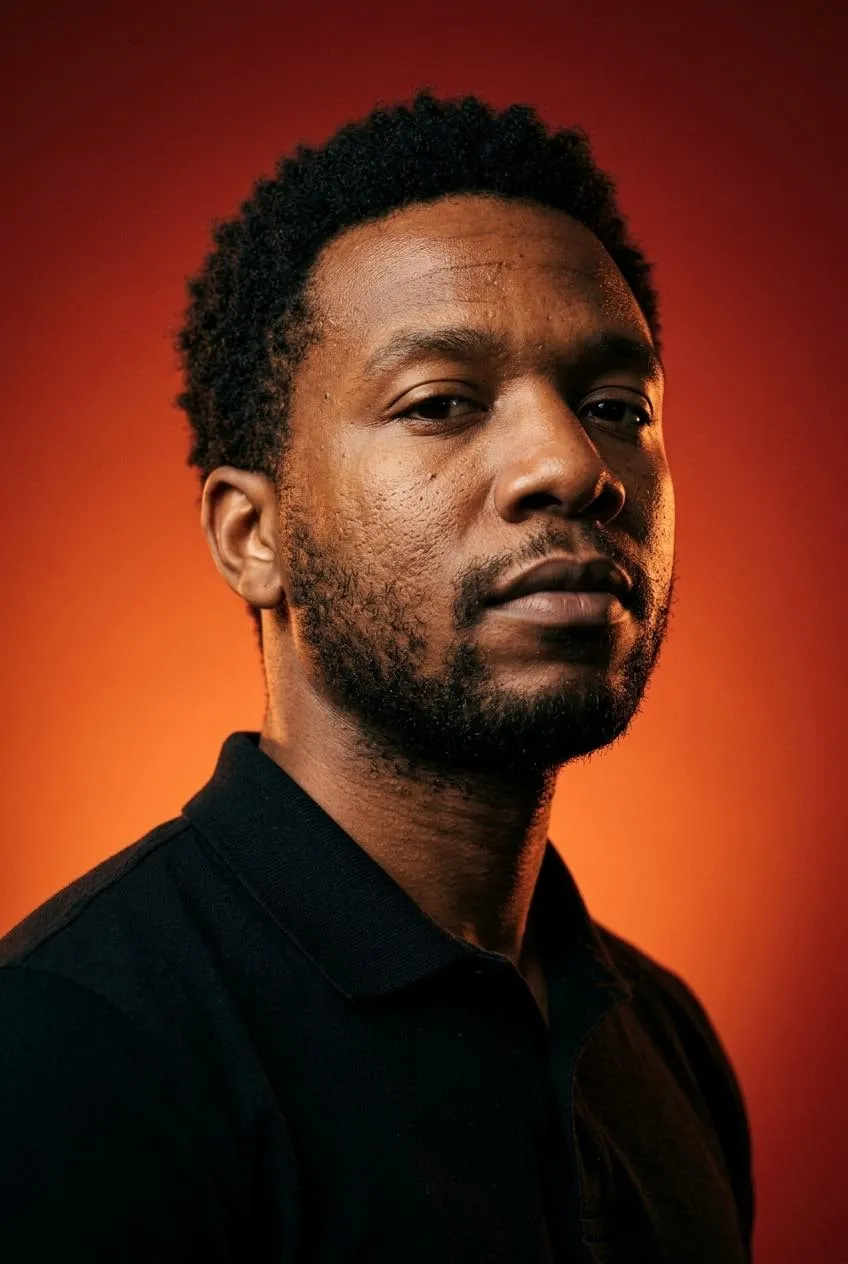
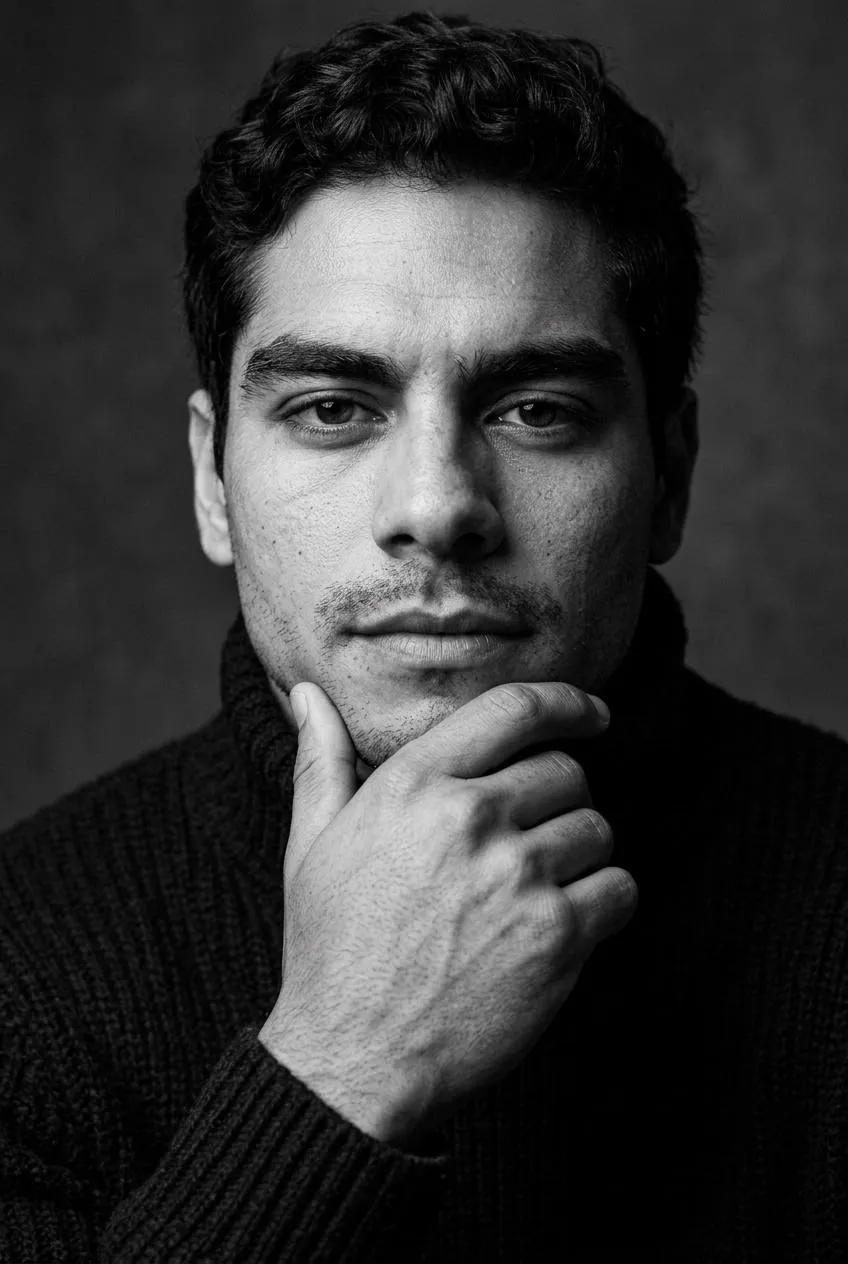
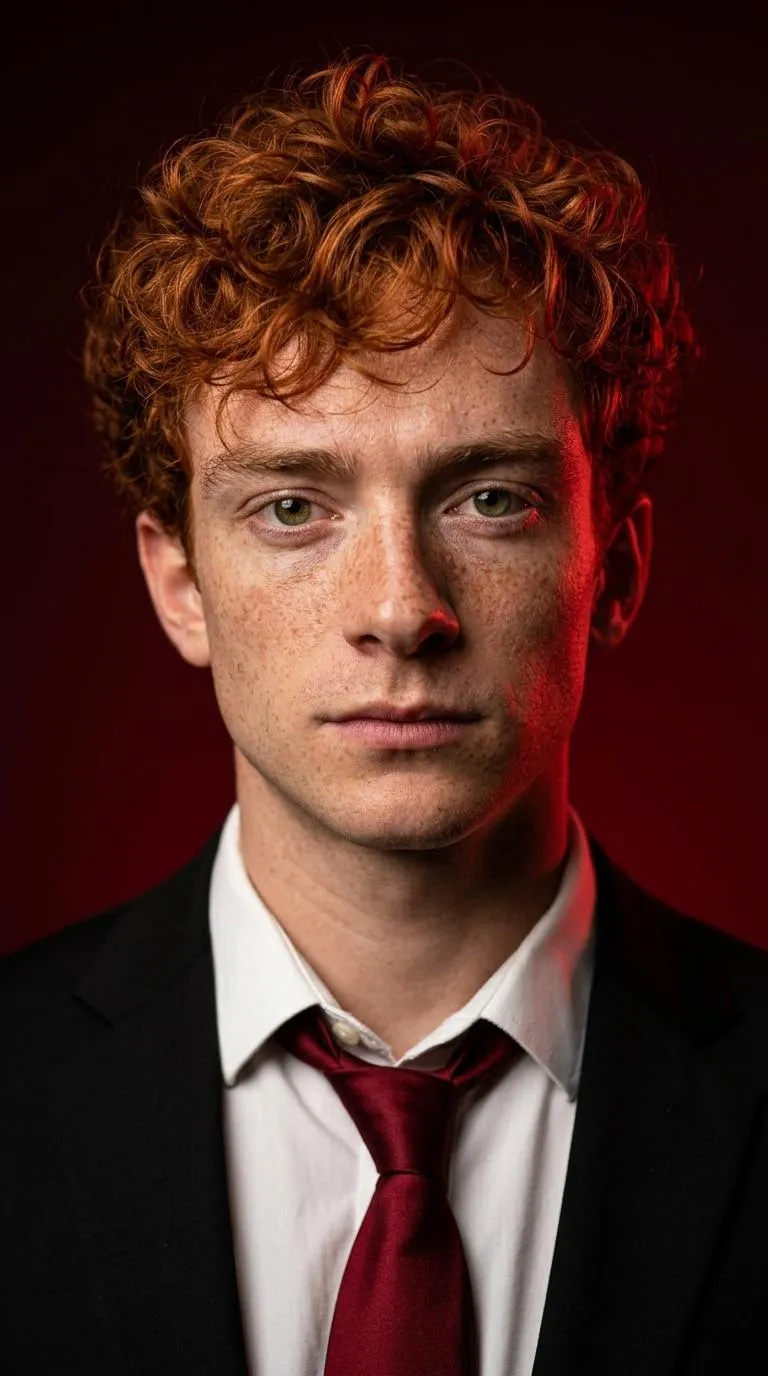
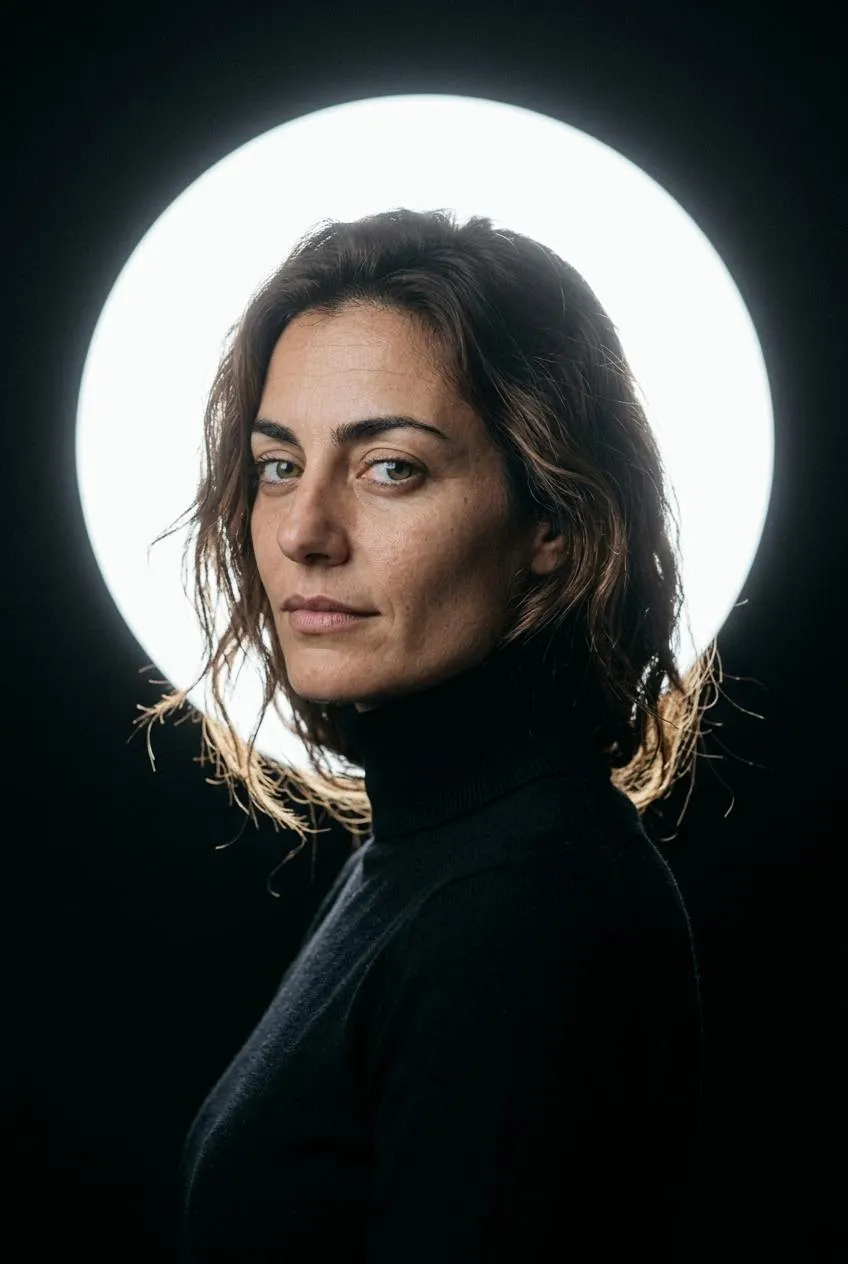
Browse twelve Editorial and Professional styles for your selfie.
How do I take a clear selfie?
Quick facts
How long can I download a headshot?
Completed headshots are available in My images for 7 days after completion. Download the JPG files within that time and keep them on your device. Uploaded photos are deleted from storage within 48 hours. Save your Backup code before changing browsers.