Actor headshot for casting submissions
The Actor headshot puts your eyes at the center of a close portrait. A plain gray backdrop and dark top keep the frame simple. Soft light gives this theatrical headshot clear facial detail for a casting submission.
Use the AI headshot generator in this style
Try this template
Add a photo
Use a clear selfie in even light. Face the camera with no sunglasses, hat or heavy filter.
Add your photo*
Use a clear selfie in even light. Face the camera with no sunglasses, hat or heavy filter.
- Eye level
- Window light
- Use a sharp photo
- Sunglasses, hats or beauty filters
Pick your styles
Download your headshots
Download your professional headshot for profiles and websites.
How do I make an actor headshot for casting submissions?
An actor headshot shows how you look in person now. This template uses a plain gray background, soft light and a relaxed expression in a tight head-and-shoulders frame. Upload a recent selfie, then inspect the generated portrait at full size before choosing it for a submission. Check your hairline and facial features against the photo you supplied.
What do I wear in an actor headshot?
The actor headshot uses a plain dark fitted crew neck top. The finished outfit has no pattern or jewelry to draw attention away from the face. You can wear a different shirt in the source photo because the style sets the clothing. Keep your neck visible and your shoulders inside the selfie. Compared with the suits in the Professional styles, this simple neckline leaves more attention on your expression.
What background is best for an actor headshot?
The actor headshot has a neutral mid gray backdrop that stays softly out of focus. A large soft light comes from slightly above and to one side. Gentle fill keeps the other side of the face visible. The shadows show the cheekbone and jaw without hiding them. This plain setting keeps the eyes as the main focus in a theatrical headshot, without the colored light used in the Editorial styles.
Can I use a phone selfie for an actor headshot?
Use a recent phone selfie for an actor headshot, showing your current hairstyle without a beauty filter. A casting portrait needs a clear view of the face you will bring to an audition. Hold the camera at eye level in even daylight and keep your expression relaxed. Before uploading, inspect your eyes and skin at full size to check for blur or smoothing that hides facial detail.
What size is best for an actor headshot for a casting submission?
Check the submission instructions before cropping your actor headshot. This template gives you a tight 4:5 view of the head and shoulders, with the eyes as the focus. Keep that full portrait as your starting point if you need acting headshots in another shape for a submission. Preview the crop to make sure it leaves your full hairline and chin visible, since there is less space around the face than in Corporate.
How do I download my actor headshot for a casting submission?
Follow the requested file format for a casting submission. Save your actor headshot from My images with Download to get a 2400 x 3000 px JPG. The full 4:5 file fits an 8 x 10 inch print. Your other 2 chosen styles from the same generation sit next to it in My images, each with its own Download button. Prepare the casting copy from that file to keep the face detail. Open your actor headshot at full size and compare it with a recent photo before you send it.
How much does an actor headshot cost?
An actor headshot starts at $9.90 for a credit that covers 3 styles from one selfie. You receive one headshot for each choice, so Actor can be your casting portrait while Ember gives you a different look for a performer bio. The payment is one-time with no subscription, and credits do not expire. Generating another set from an updated selfie uses a new credit.
What clothing and lighting does this style use?
| Frame | 4:5 portrait, tight head and shoulders |
|---|---|
| Backdrop | Plain neutral mid gray |
| Light | Soft side light with gentle fill |
| Clothing | Plain dark fitted crew neck top |
| Pose | Slight shoulder turn and direct eye contact |
File details
| Images per generation, one per chosen style | 3 |
|---|---|
| File format | JPG |
| Phone wallpaper | 1170 × 2532 |
| Submitted photo limit | 10 MB |
| Download period | 7 days |
| Payment methods | Stripe / PayPal |
Which other styles are in this collection?
Browse twelve Editorial and Professional styles for your selfie.

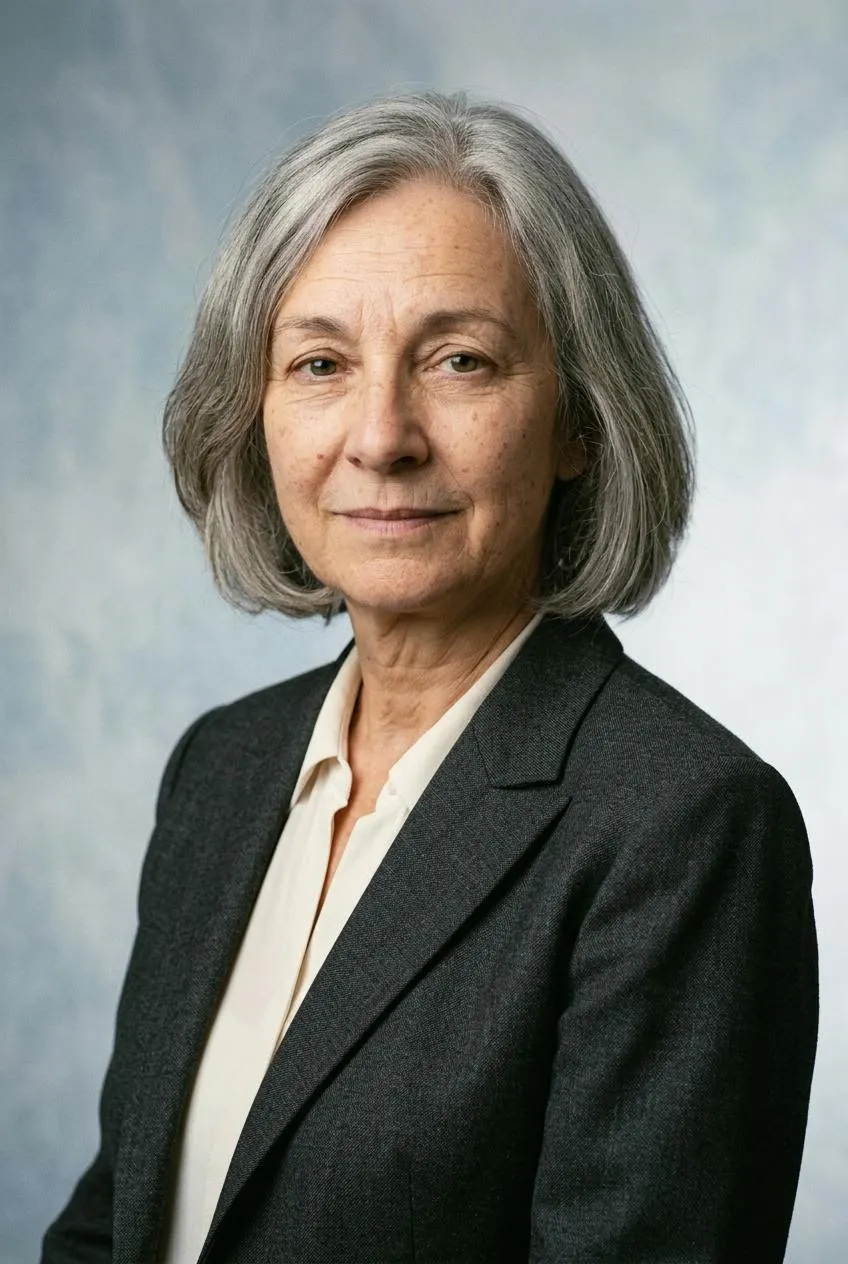

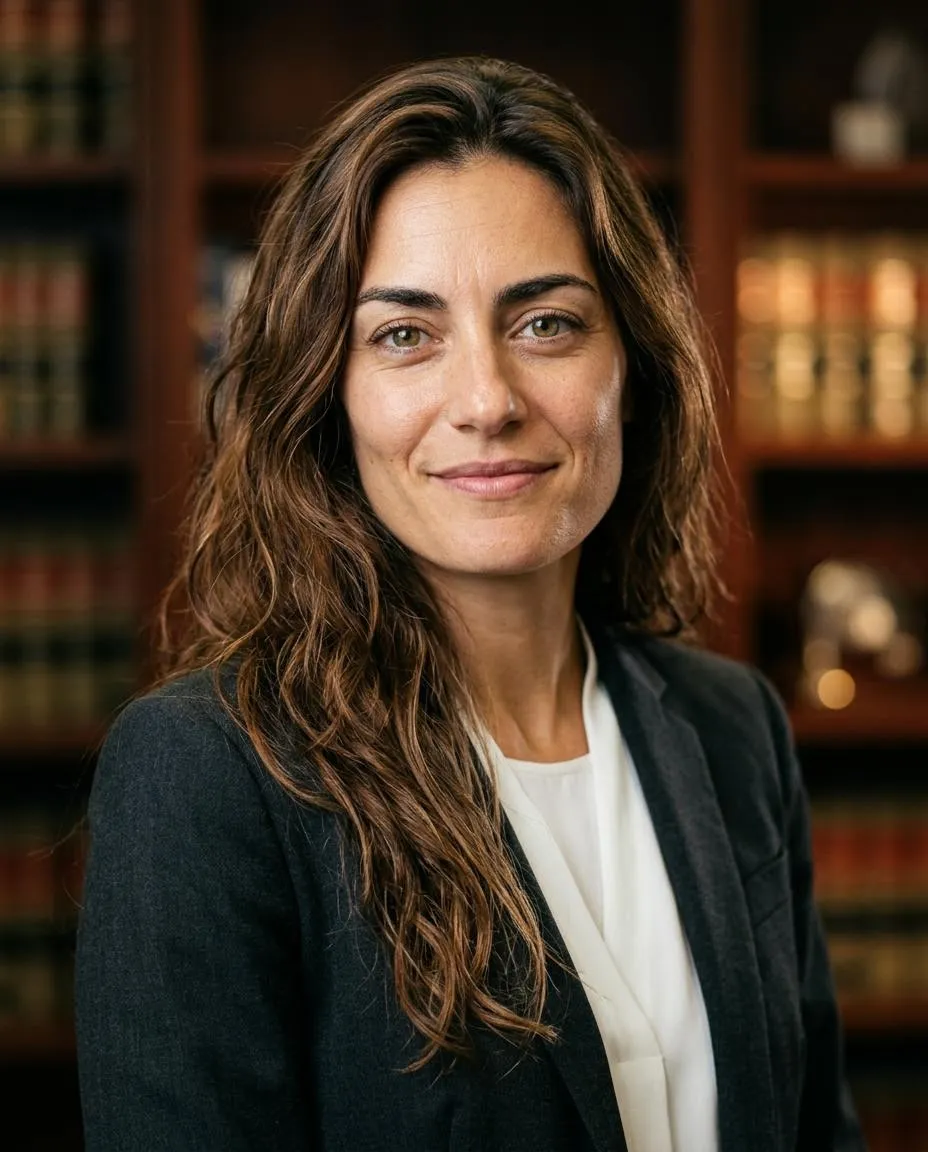
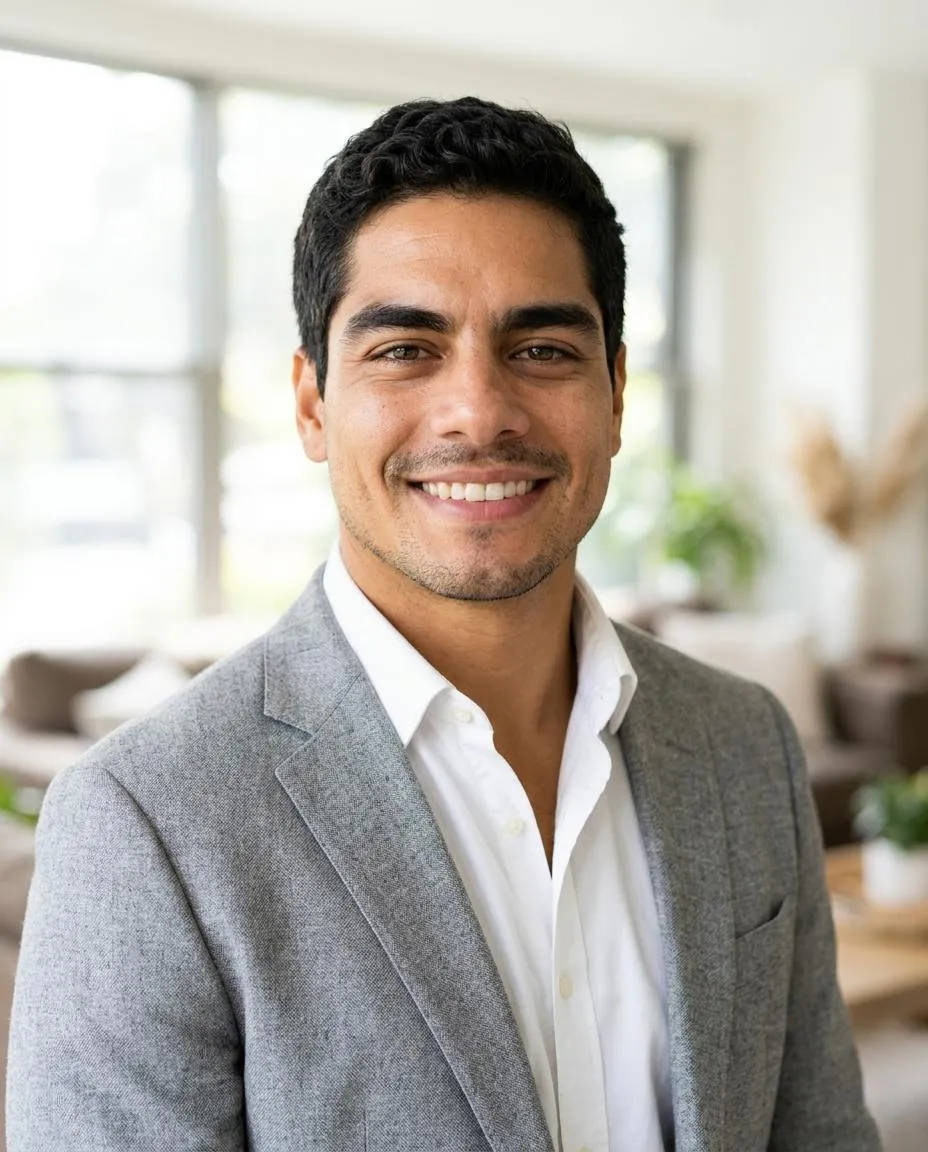
How do I take a clear selfie?
Quick facts
How long can I download a headshot?
Completed headshots are available in My images for 7 days after completion. Download the JPG files within that time and keep them on your device. Uploaded photos are deleted from storage within 48 hours. Save your Backup code before changing browsers.