Creative headshot: Ember
Try a creative headshot with a low camera angle and an orange to red backdrop. Ember uses a fitted black polo, strong side light and an upward gaze for a bio or profile with a more serious mood.
Use the AI headshot generator in this style
Try this template
Add a photo
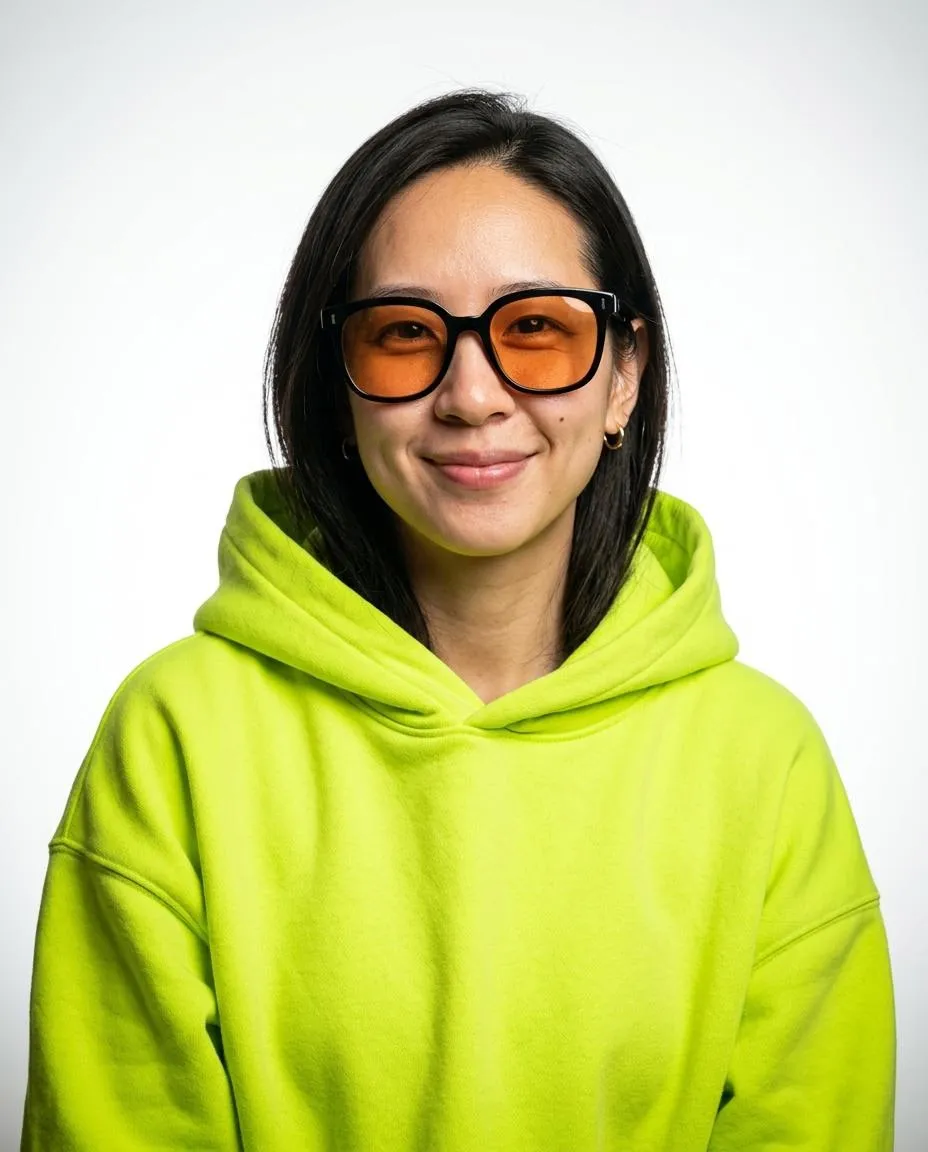
Use a clear selfie in even light. Face the camera with no sunglasses, hat or heavy filter.
Add your photo*
Use a clear selfie in even light. Face the camera with no sunglasses, hat or heavy filter.
- Eye level
- Window light
- Use a sharp photo
- Sunglasses, hats or beauty filters
Pick your styles
Download your headshots
Download your professional headshot for profiles and websites.
What makes a headshot creative?
A creative headshot can use color, an unusual camera angle or stronger shadows to change the mood of a bio. Ember combines all three with an orange to deep red backdrop and a camera below eye level. Light from the left leaves deep shadow on the far cheek. The fitted black polo keeps the outfit simple while the raised gaze gives the portrait a more intense expression than a typical work profile.
What do I wear for a creative headshot?
Ember puts you in a fitted black polo for a creative headshot with a casual neckline. The collar stays down, leaving the neck clear above the shirt. There is no need to find that outfit before taking your selfie because this style changes the clothing. Keep both shoulders in the source photo. In a creative headshot with a bright backdrop, the plain black polo keeps attention on your face.
What background do I choose for a creative headshot?
Choose Ember if you want a creative headshot with a warm background that shifts from orange to deep red. It has no room details or objects behind you. The strong side light adds facial shadows while a warm rim traces the head and shoulders. For a personal page, preview the portrait beside your text to see how the orange fits the colors already on the page before choosing the final crop.
How do I pose for a creative headshot?
This creative headshot uses a low viewpoint with the body turned slightly left and the face turned right. The gaze looks a little upward beyond the camera, with a serious expression. Start your creative headshot with a selfie taken at eye level. A straight view gives the tool a clearer source for your features. Ember sets the final pose and camera angle.
Can a selfie become a creative headshot?
An ordinary phone selfie can be the source for a creative headshot in Ember. Face even daylight with your chin level so your eyes and jaw are visible. You do not need orange walls or colored lamps in the source photo. Check for blur around your eyes before uploading, and turn off beauty filters. The selected template creates the warm scene and black polo around the face from your selfie.
Where can I use a creative headshot?
Use a creative headshot on a personal site, a portfolio bio or a social profile where you want strong color and a serious mood. Ember returns a vertical 2:3 portrait showing the face and shoulders. The full frame keeps space above the upward gaze. Download the 2400 x 3600 px JPG from My images to keep that 2:3 frame for your personal site. For a square profile picture, crop a copy and check that the raised chin still has room below it.
How much does a creative headshot cost?
You can include a creative headshot in a set of 3 portraits for one credit. The entry plan costs $9.90 as a one-time purchase with no subscription. Pick Ember and 2 other styles before you generate. Emerald Studio offers cooler green light for a second bio option, while Pop Cover has bright white behind a smiling face. All choices use one selfie, and the files are available through My images.
What clothing and lighting does this style use?
| Frame | 2:3 portrait, face and shoulders |
|---|---|
| Backdrop | Orange fading into deep red |
| Light | Strong side light and a warm outline |
| Clothing | Fitted black polo with the collar down |
| Pose | Low camera angle with an upward gaze |
File details
| Images per generation, one per chosen style | 3 |
|---|---|
| File format | JPG |
| Phone wallpaper | 1170 × 2532 |
| Submitted photo limit | 10 MB |
| Download period | 7 days |
| Payment methods | Stripe / PayPal |
Which other styles are in this collection?
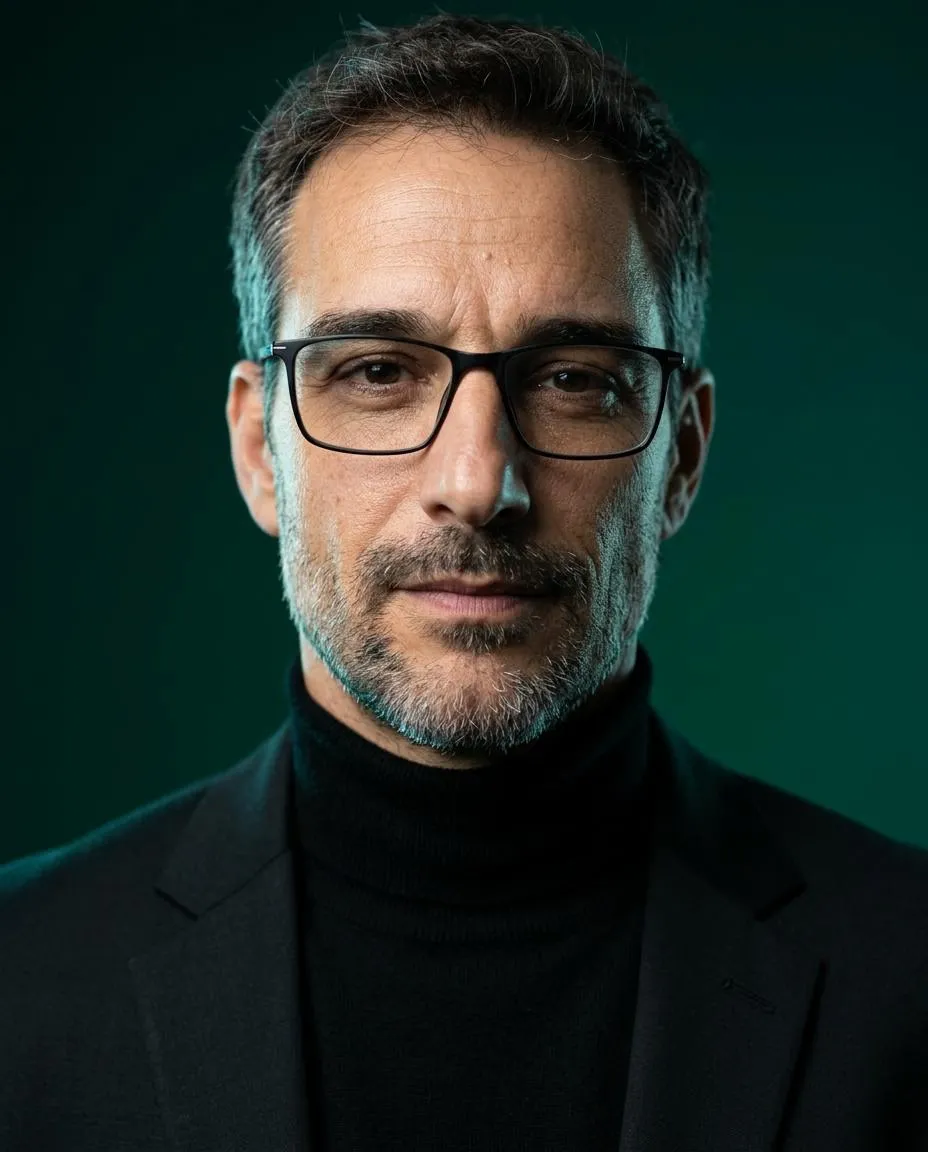
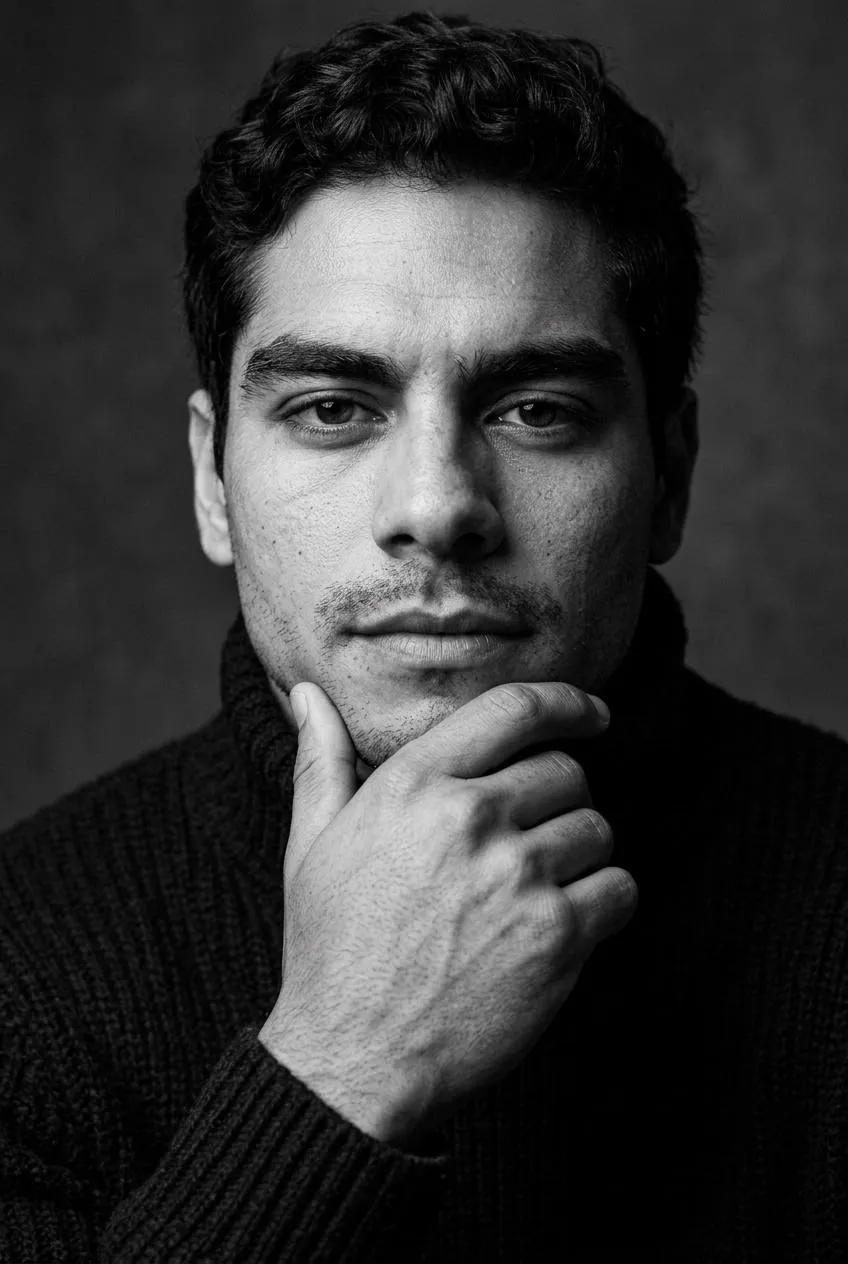
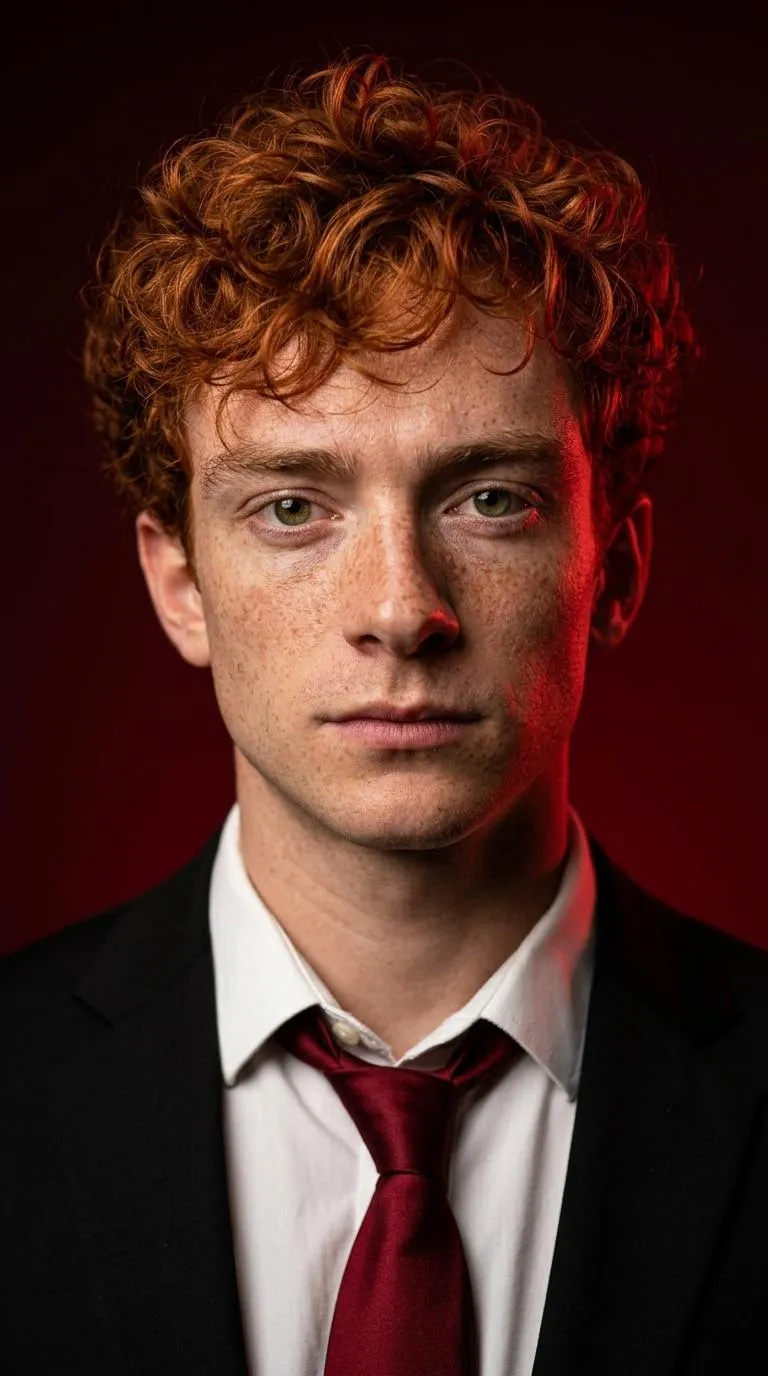
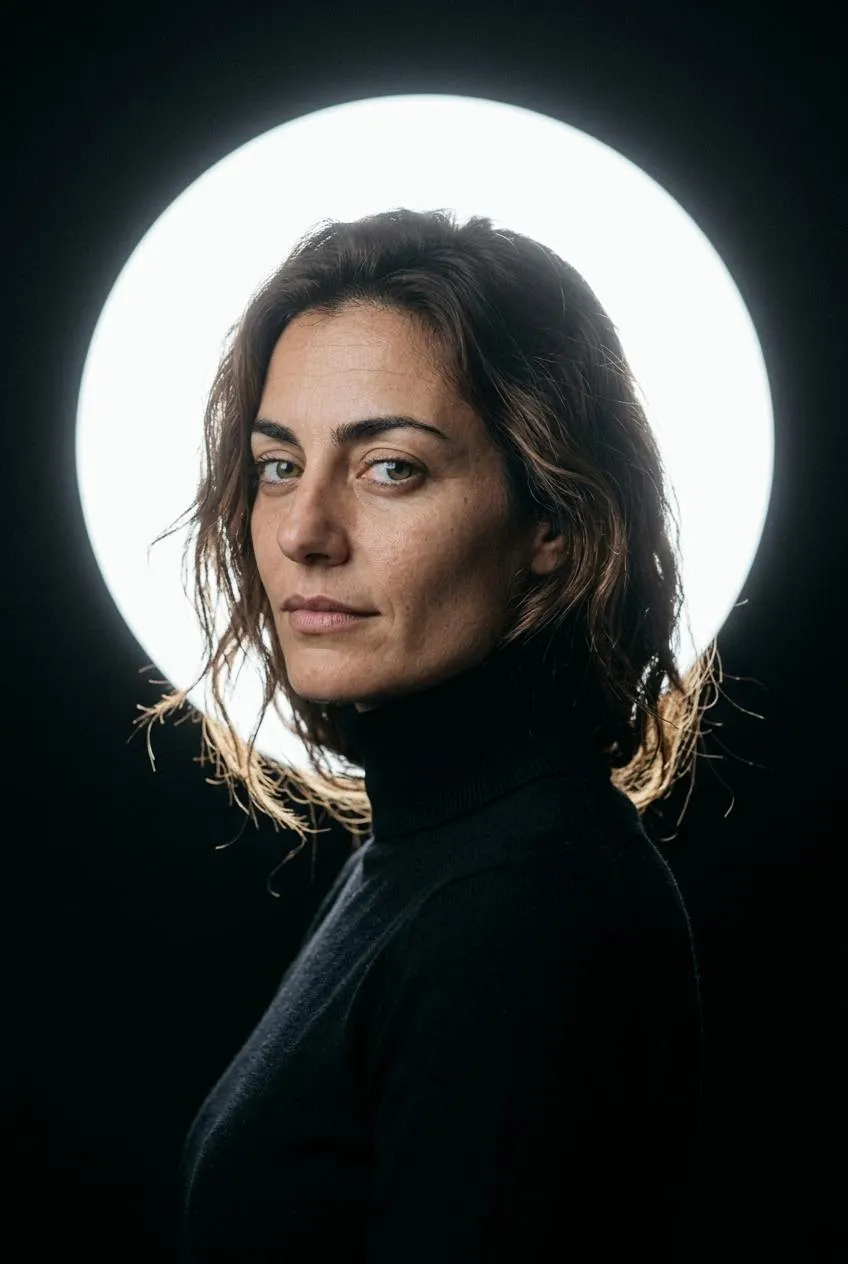
Browse twelve Editorial and Professional styles for your selfie.
How do I take a clear selfie?
Quick facts
How long can I download a headshot?
Completed headshots are available in My images for 7 days after completion. Download the JPG files within that time and keep them on your device. Uploaded photos are deleted from storage within 48 hours. Save your Backup code before changing browsers.