Product guide
AI headshot selfie guide
Take your selfie at eye level in even daylight. Face a window and keep both shoulders visible. Turn off beauty filters so the AI headshot generator receives a clear view of your face.
What lighting works best for a headshot selfie?
Face a window in daylight so both sides of your face are visible. Keep bright windows behind the camera. Turn off colored lamps and move out of direct sunlight. Check your eyes and hairline in the preview. Each selected style uses the face in your photo.
How do I frame my selfie?
Hold the camera at eye level and keep your chin level. Include both shoulders and space above your hair. Keep your hands away from your face. Remove sunglasses and hats. Use a recent photo with your usual hairstyle. Choose a sharp selfie before selecting your styles.
What if my photo will not open?
Choose a JPG or PNG that opens on your device. Export an unreadable HEIC photo as JPG or PNG first. Check the local preview before generating. Your selected photo stays in this browser until you generate. Keep a copy of the original photo so you can select it again.
What does the AI headshot generator deliver?
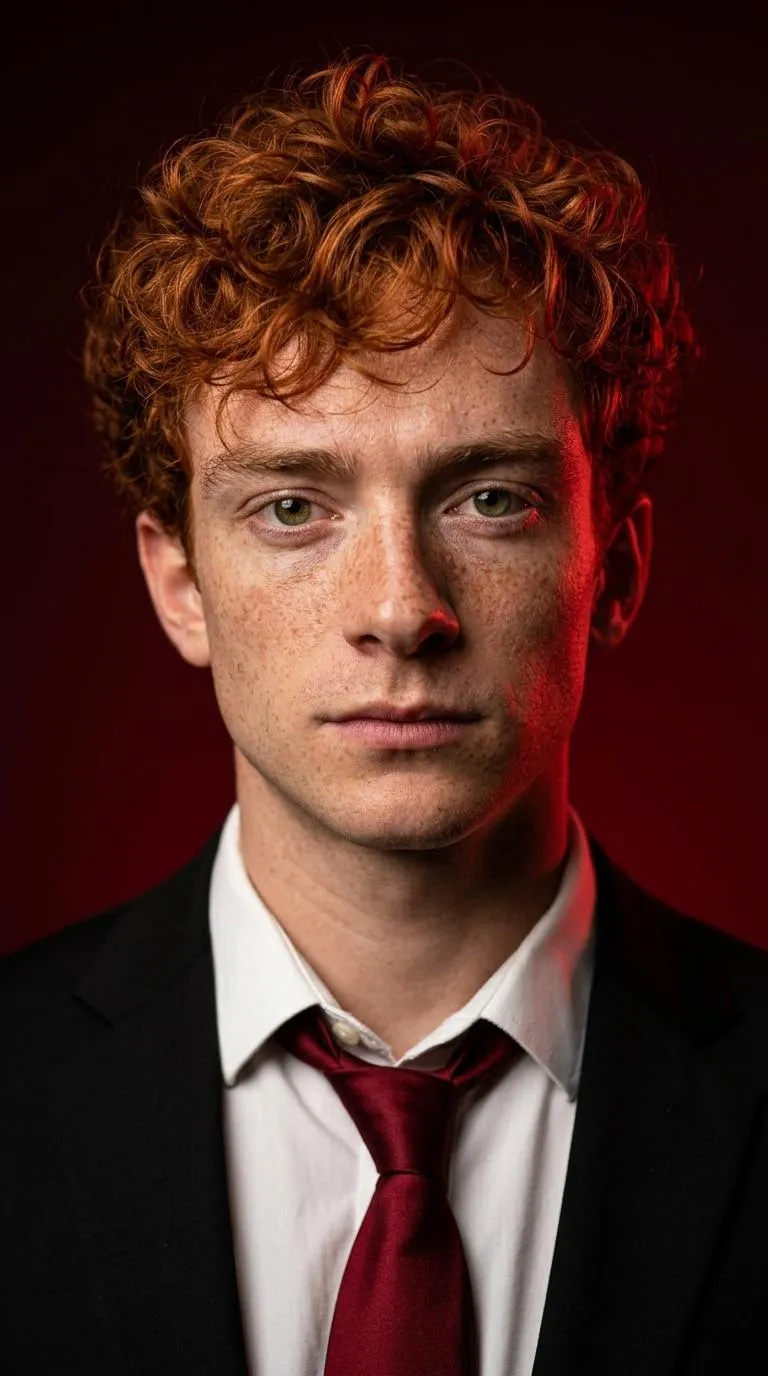
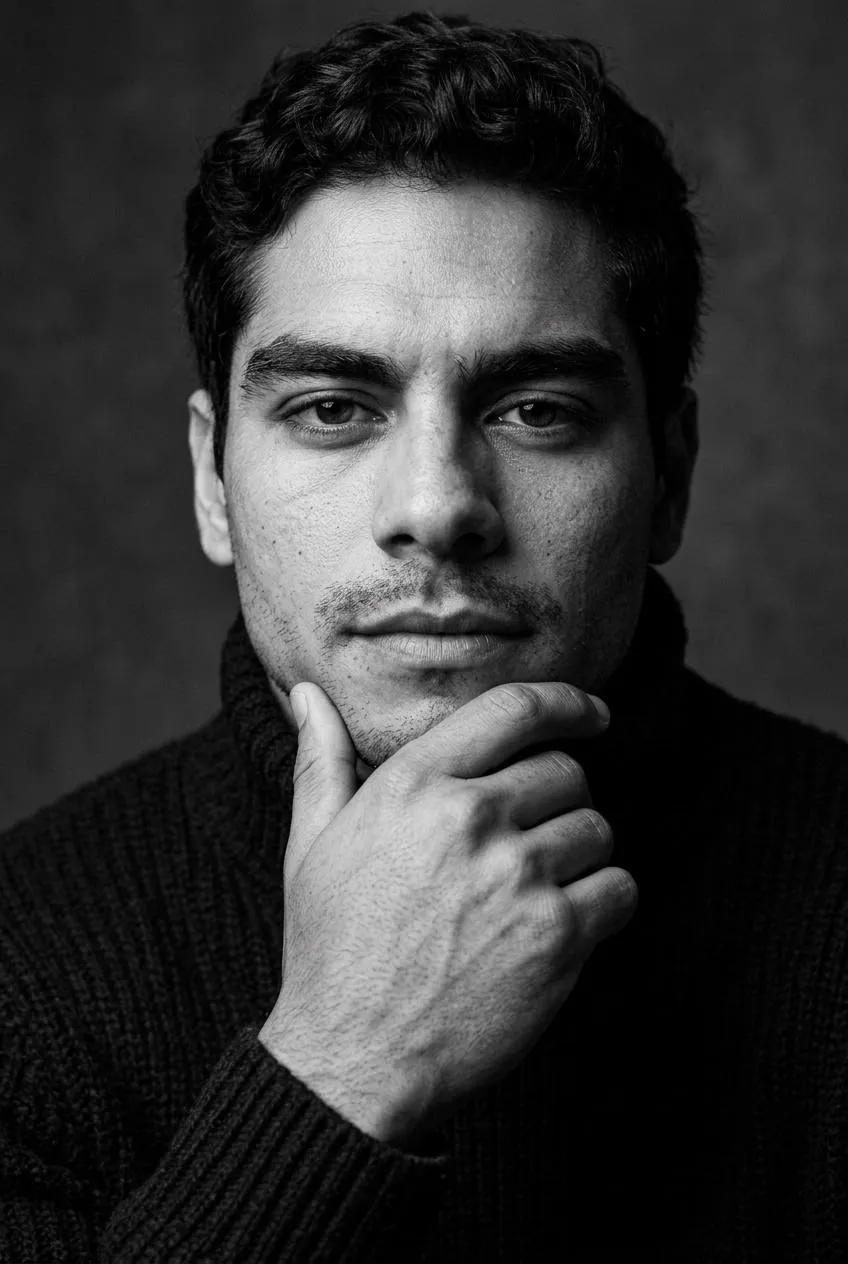
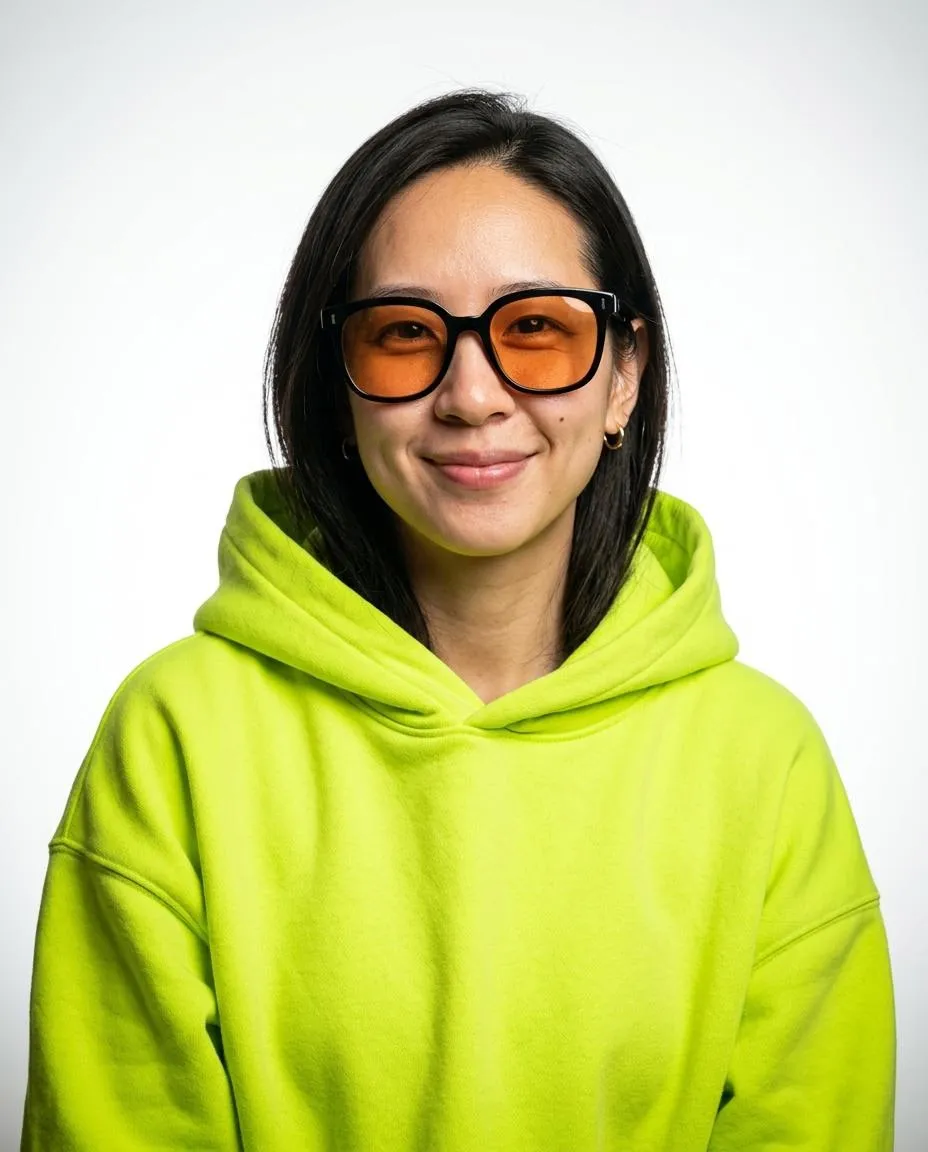
Each generation returns 3 headshots for 1 credit, one headshot per selected style. In My images, Download saves each headshot as a JPG with a 2400 px short edge. Choose from 12 templates in two groups, Editorial and Professional. The portraits use vertical 4:5, 2:3 or 9:16 frames for creative bios, staff pages and profiles. Download the JPG files from My images and keep copies on your device. You can also save a centered phone crop.
How long can I download a headshot?
Completed headshots are available in My images for 7 days after completion. Download the JPG files within that time and keep them on your device. Uploaded photos are deleted from storage within 48 hours. Save your Backup code before changing browsers.