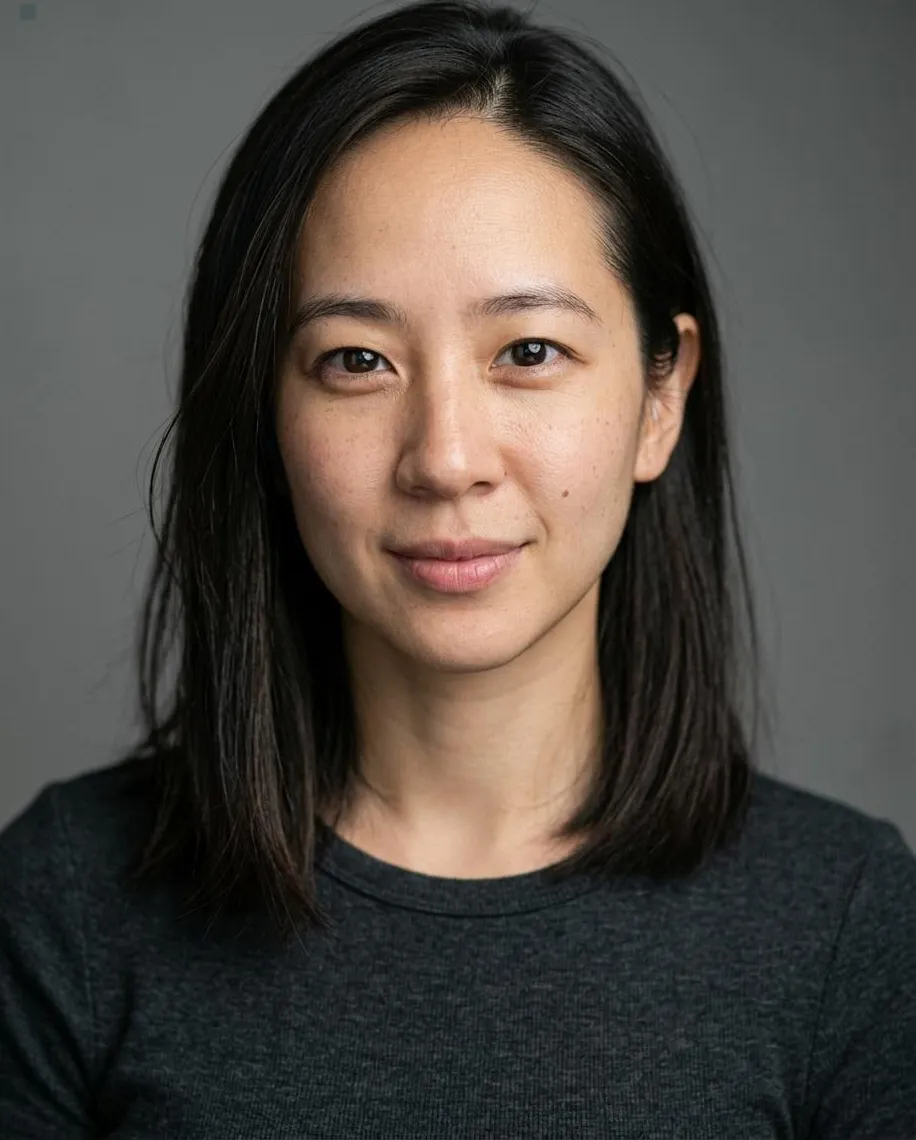
Corporate headshot in a charcoal suit and cream shirt
The Corporate headshot pairs a charcoal jacket with a cream shirt. Soft blue-gray tones surround a gently turned pose. Use this business headshot for a company bio, leadership page or staff directory.
Use the AI headshot generator in this style
Try this template
Add a photo
Use a clear selfie in even light. Face the camera with no sunglasses, hat or heavy filter.
Add your photo*
Use a clear selfie in even light. Face the camera with no sunglasses, hat or heavy filter.
- Eye level
- Window light
- Use a sharp photo
- Sunglasses, hats or beauty filters
Pick your styles
Download your headshots
Download your professional headshot for profiles and websites.
What background works for a corporate headshot?
This corporate headshot uses a pale blue-gray studio background that fades toward white. Soft light gives the face gentle shadows, with some open space around the head and shoulders. For a business headshot in a company bio, this style uses a calm expression and a slightly turned pose. LinkedIn uses a darker gray backdrop and a more direct shoulder angle if you prefer a closer work portrait.
What do I wear for a corporate headshot?
For this corporate headshot, the template adds a charcoal jacket over a cream shirt or blouse. A muted navy tie is added only for men. Wear an everyday shirt in your selfie with the collar clear of your jaw, since the tool replaces the outfit. The cream fabric makes a softer contrast against the jacket than the bright white shirt used in the LinkedIn and Lawyer styles.
How do I pose for a corporate headshot?
A corporate headshot in this style uses a three-quarter view, with one shoulder turned toward the camera. The head turns back toward the lens with a slight tilt and a hint of a smile. This gives a company biography a less square pose while keeping direct eye contact. Take your selfie facing forward so the tool has a clear view of your features before it creates that angle.
Can I make a corporate headshot from a selfie?
A current selfie can become a corporate headshot without a studio visit. Hold the phone at eye level and use even daylight, keeping both eyes and shoulders visible. Corporate sets the turned pose, cream shirt and pale background after you upload. For a staff directory, each person needs their own selfie and generation so the source photo shows the face that belongs beside their name.
How do I crop a corporate headshot for a staff directory?
Check the shape of the staff directory pictures before cropping your corporate headshot. Corporate produces a tall 2:3 portrait with open space around the head and shoulders. Use that space to make a square business headshot if the directory needs one, keeping the eyes at a similar height to nearby faces. The full portrait suits a taller leadership bio where more of the turned shoulder can remain visible.
What file format do I use for a corporate headshot?
Check the file format your company website accepts for a corporate headshot. For a square staff headshot, crop a copy of your corporate headshot and keep the full 2:3 JPG from My images at 2400 x 3600 px. You also get a headshot in each of the other 2 selected styles. Save the full Corporate portrait before making a directory copy. If you also choose LinkedIn, compare the light and dark studio settings in the actual page layout so the new picture fits the surrounding staff portraits.
How much does a corporate headshot cost?
Budget one credit per person for a corporate headshot and 2 other selected styles. The smallest plan costs $9.90, with larger credits listed on Pricing. Purchases are one-time and credits do not expire, so unused credits can cover a later staff portrait. Each person uploads a separate selfie. Choose the same style and crop when you want a consistent row of company photos.
What clothing and lighting does this style use?
| Frame | 2:3 portrait, above the chest with open space |
|---|---|
| Backdrop | Cool blue-gray fading toward white |
| Light | Soft diffused light with gentle facial shadows |
| Clothing | Charcoal jacket and cream shirt or blouse |
| Pose | Three-quarter view with a slight head tilt |
File details
| Images per generation, one per chosen style | 3 |
|---|---|
| File format | JPG |
| Phone wallpaper | 1170 × 2532 |
| Submitted photo limit | 10 MB |
| Download period | 7 days |
| Payment methods | Stripe / PayPal |
Which other styles are in this collection?
Browse twelve Editorial and Professional styles for your selfie.




How do I take a clear selfie?
Quick facts
How long can I download a headshot?
Completed headshots are available in My images for 7 days after completion. Download the JPG files within that time and keep them on your device. Uploaded photos are deleted from storage within 48 hours. Save your Backup code before changing browsers.