Product guide
What is a professional headshot?
My Professional Headshot is an AI headshot generator with 12 Editorial and Professional styles for portraits from one selfie.
My Professional Headshot helps job seekers, medical residents, real estate agents and consultants make professional headshots.
What is a professional headshot?
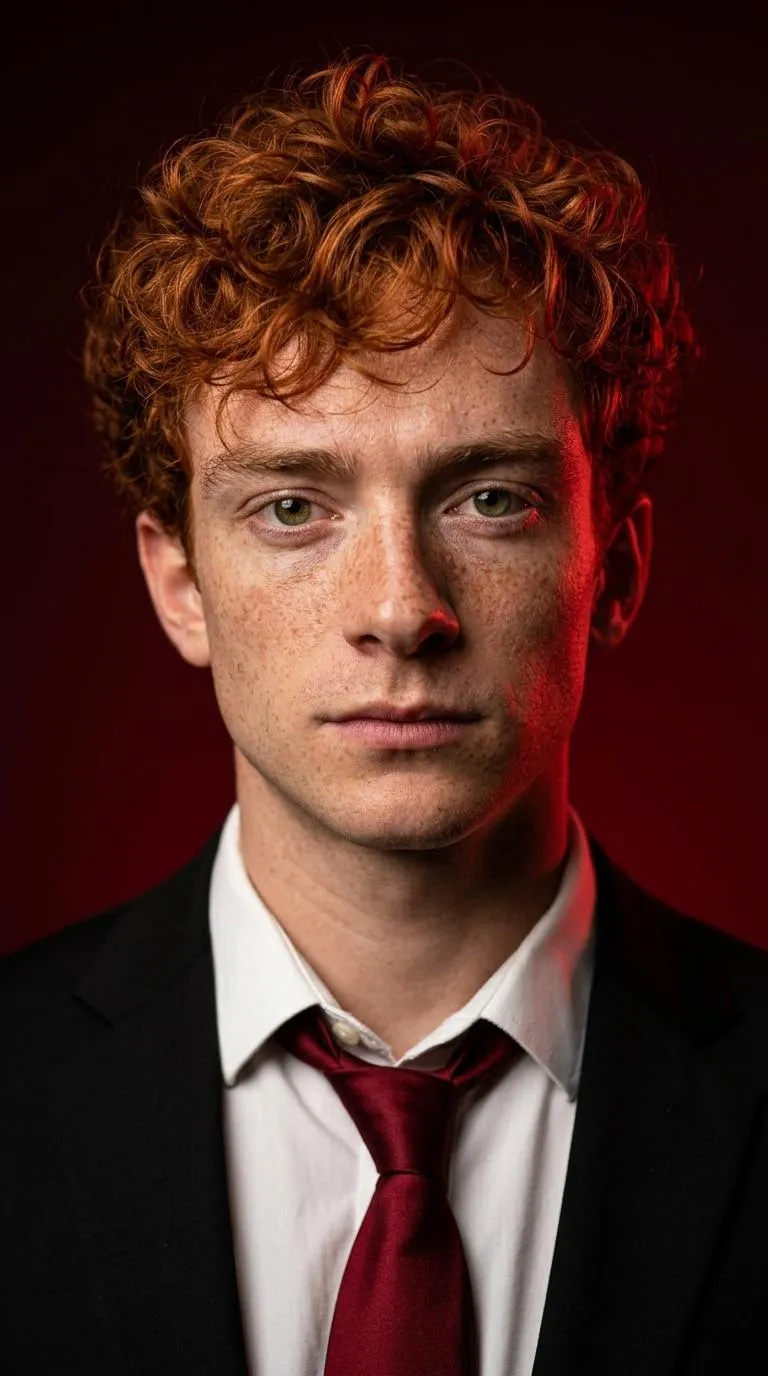
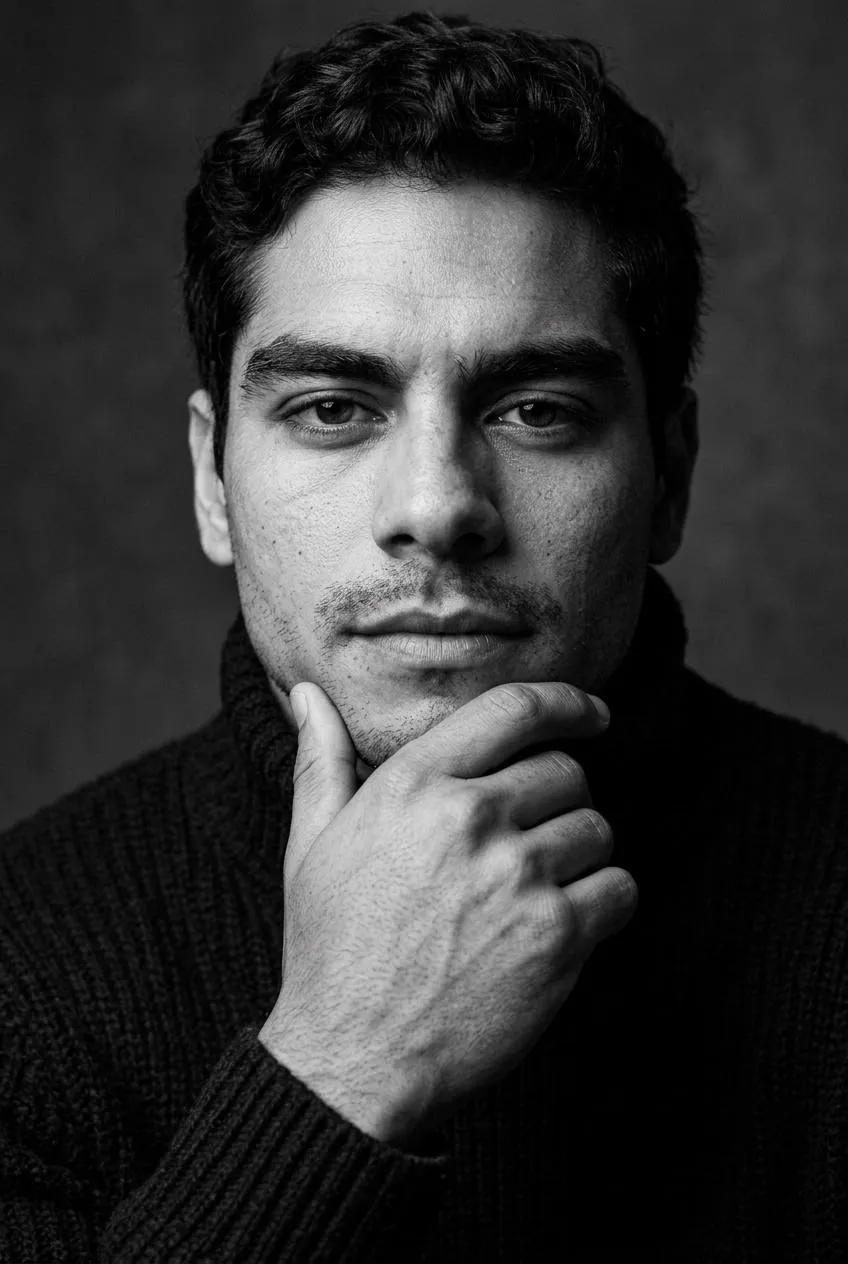
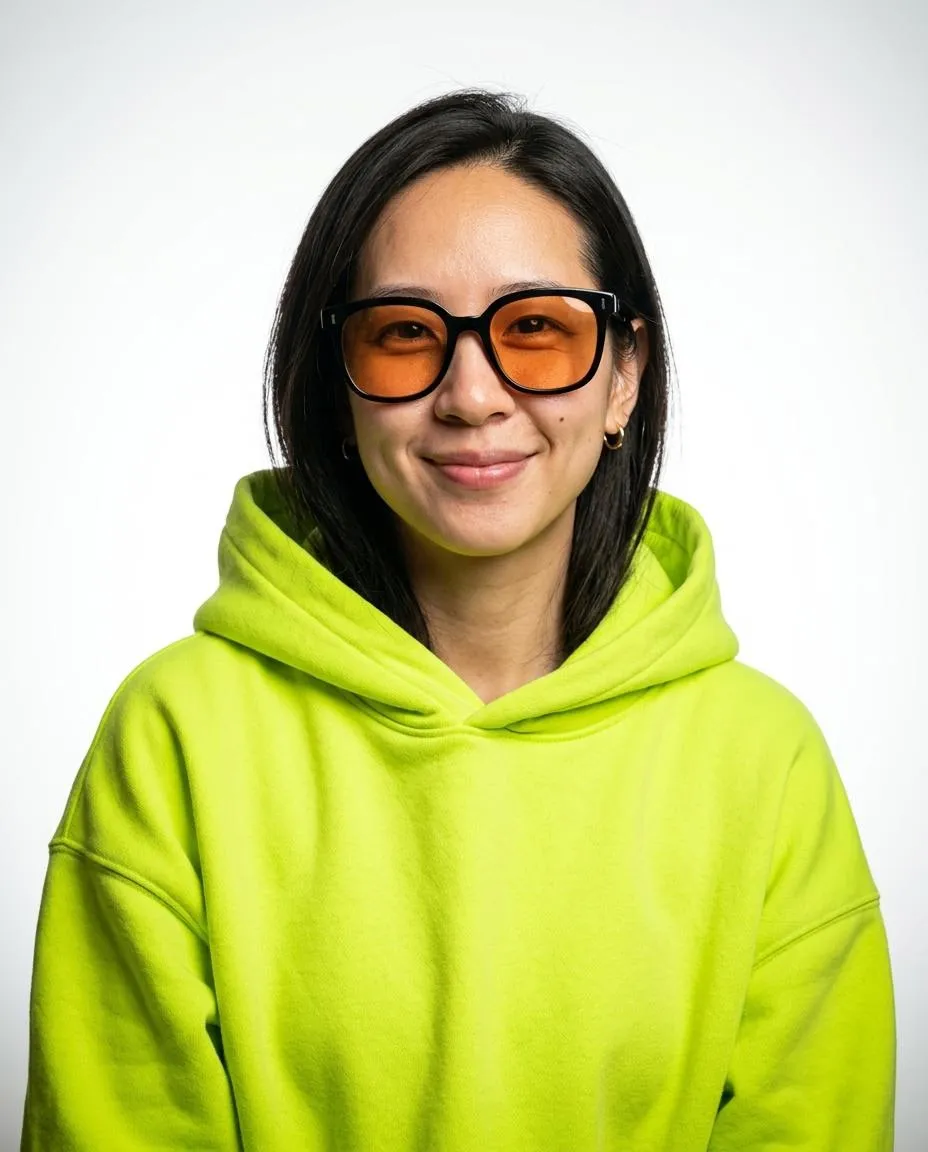
A professional headshot is a portrait focused on your face for profiles, staff pages and applications. My Professional Headshot is an AI headshot generator with twelve templates in two groups, Editorial and Professional. Your face comes from the selfie. Each style sets the clothing, pose, backdrop and light.
How does an AI headshot generator work?
The AI headshot generator uses your selfie and selected templates to create portraits. Editorial styles range from dark side light to a bright hoodie against white. Professional styles include suits, a white coat and a plain dark top. Each look sets the clothing and pose around your face. Each generation returns 3 headshots, one per selected style. Download the JPG files for your profile or website.
What do I upload to the AI headshot generator?
Upload a clear, recent selfie at eye level in even daylight. Keep both shoulders visible and your chin level. Remove sunglasses and hats and turn off beauty filters. Choose your styles in the AI headshot generator before generating. No account is required. My images shows your purchased credits.
How much does the AI headshot generator cost?
Each credit makes 1 generation of 3 headshots and costs $4.99 USD to $9.90 USD depending on the plan. Credits do not expire. There is no subscription. Purchases add to your credits.
| Plan | Price |
|---|---|
| 1 credit, 3 headshots | $9.90 USD |
| 3 credits, 9 headshots | $19.90 USD |
| 8 credits, 24 headshots | $39.90 USD |
What files does the AI headshot generator produce?
Each generation returns 3 headshots for 1 credit, one headshot per selected style. In My images, Download saves each headshot as a JPG with a 2400 px short edge. Choose from 12 templates in two groups, Editorial and Professional. The portraits use vertical 4:5, 2:3 or 9:16 frames for creative bios, staff pages and profiles. Download the JPG files from My images and keep copies on your device. You can also save a centered phone crop.
Where can I use the AI headshot generator?
Open the AI headshot generator here or choose a template such as LinkedIn or Corporate. Pick 3 styles and upload your selfie. Accept the terms and generate. Buy credits in Pricing before generating. Save your Backup code to restore your credits on another browser. Download your headshots from My images.
Sources
- Head shotWikipedia
Which photos work best in the AI headshot generator?
Use a sharp selfie at eye level in even daylight with your face and shoulders visible. JPG and PNG work. The browser prepares a JPEG up to 2048 pixels on its longest edge. Submitted photos need a shortest edge of 512 pixels, a longest edge up to 4096 pixels and a size up to 10 MB.