Blog
Professional headshot prompt: what to write and what to leave out
A professional headshot prompt describes the framing, outfit, background and light for a portrait. The AI headshot generator here has those instructions built into each template. Choose your styles and upload a selfie without writing a prompt.
What does a professional headshot prompt include?
Describe the person, crop, outfit, backdrop and lighting in plain words. State which features to keep from the uploaded photo. A useful starting point is a portrait at eye level with the face toward the camera. The templates here use those choices to define a look for profiles, staff pages or applications.
| Part | Example |
|---|---|
| Framing | Mid chest up with space above the hair |
| Outfit | Navy blazer over a white collared shirt |
| Background | Modern office with a blurred setting |
| Light | Soft key light from one side |
| Pose | Face toward the lens at eye level |
What is a professional headshot prompt for a blazer?
Use this starting point: create a head and shoulders portrait of the person in the photo. Keep the face, hair, skin tone and age. Replace the clothing with a navy blazer over a white collared shirt. Use a blurred office background and soft light from the side. Place the camera at eye level.
Which prompt fits a square profile photo?
Describe a square portrait with a centered head and space above the hair. Use a navy open collar shirt, soft gray background and a relaxed smile. Frame from mid chest up. The LinkedIn template here uses a vertical 4:5 frame, a navy suit jacket and white shirt on dark gray. Use that style in the AI headshot generator and crop the download if you need a square.
How does a background change prompt differ?
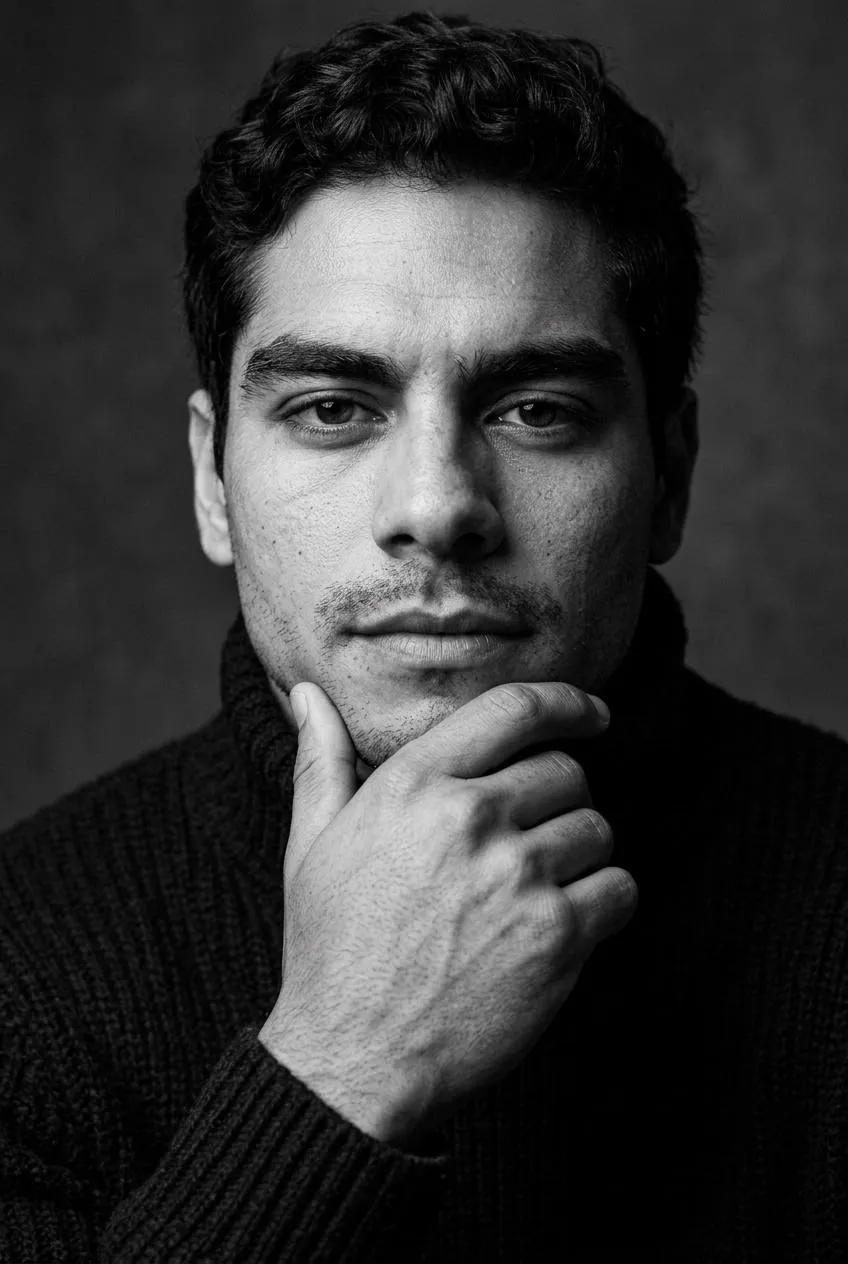
A background change prompt keeps the clothing and pose while replacing the setting. The templates here set the clothing and pose as well as the backdrop. Actor uses a gray studio backdrop and a plain dark crew neck top. The other templates set the clothing for their selected scene.
Do I need to write a prompt here?
The AI headshot generator uses fixed templates, so you choose styles instead of writing instructions. Read each template’s outfit, backdrop and framing before selecting it. Add your selfie at eye level in even daylight. Accept the terms and generate, then download the JPG files from My images for your profile or website.
How do I describe light in a portrait prompt?
Describe the direction and softness of the light. Corporate uses a soft key light from one side with shadows on the other cheek. LinkedIn uses a studio setting with a gray background. Keep the light description tied to the scene you want. Choose a template here when you want its lighting and backdrop instructions already set.
How do I describe a medical portrait?
Describe a head and shoulders portrait with a white physician coat over a light blue shirt. Place the person in a bright clinic interior with the background blurred. Ask for a warm smile, the face toward the lens and the camera at eye level. Those are the choices in the Doctor template. It adds a stethoscope with no badge, logo or text.
What do I say about the person in the photo?
Identify the uploaded person as the subject. State that the face, hair, skin tone and age come from that photo. Then describe the setting and clothing separately. Keep your reference photo clear, with the eyes and shoulders visible. The input supplies the person while the template supplies the scene. Use a recent selfie with your usual appearance.
Do I need a camera angle in a headshot prompt?
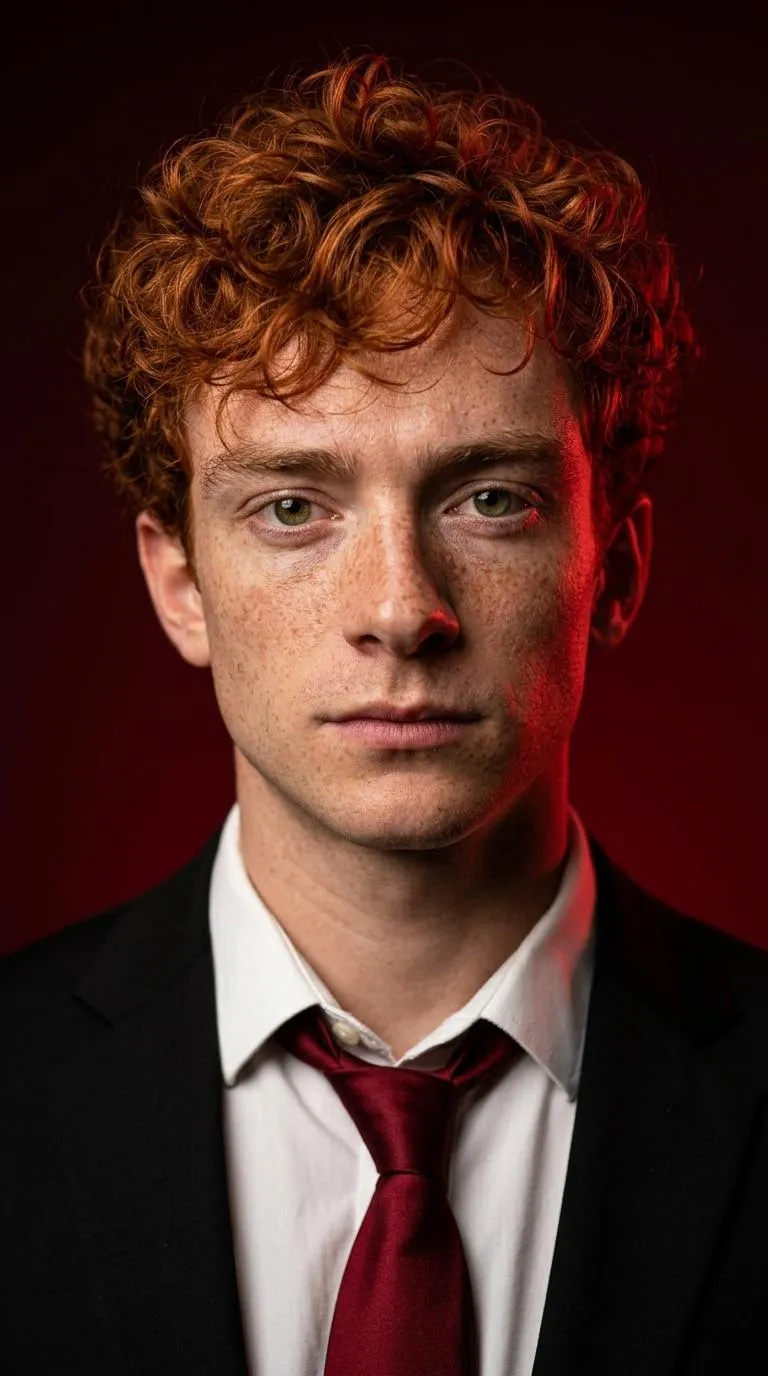
Name the height and framing you want. The styles here use different camera heights. Corporate frames above the chest with a three-quarter pose. Crimson uses a chest-up frame with the face toward the lens at eye level. Choose the framing for your intended use before generating so you have the right starting point for a final crop.
How do I choose between a prompt and a template?
Use a template when its outfit, backdrop and framing match the portrait you need. Read those details before selecting your looks. A written prompt lets you describe a different scene in another image tool, but that tool has its own purchase and upload terms. Here, styles are fixed and you select them before generating. Keep the JPG downloads for later crops.
Sources
- Professional HeadshotsMCPHS Career Development Center
How do I use the AI headshot generator?
Pick 3 styles and upload one selfie in the AI headshot generator. Buy credits in Pricing, accept the terms and generate. Your selected photo and styles stay in this browser when you return from payment. Download your headshots from My images and save the JPG files on your device.