Blog
How to take a professional headshot at home with a phone
Take a professional headshot at home by facing a window and holding the camera at eye level. Keep your face and shoulders visible. Use the clear selfie in the AI headshot generator when you want to change the outfit or background.
Where do I stand for a headshot at home?
Face a window in daylight so your face is evenly lit. Keep bright light behind the camera rather than behind your head. Move out of direct sun and turn off colored lamps. If your face looks dark in the preview, move closer to the window and check both eyes and the hairline again.
How do I frame the photo?
Place the camera at eye level and face the lens with your chin level. Keep both shoulders in the frame and leave space above your hair. Hold the phone steady or support it while taking the photo. Check the edges of the preview so the shoulders are not cut off.
What do I wear for the selfie?
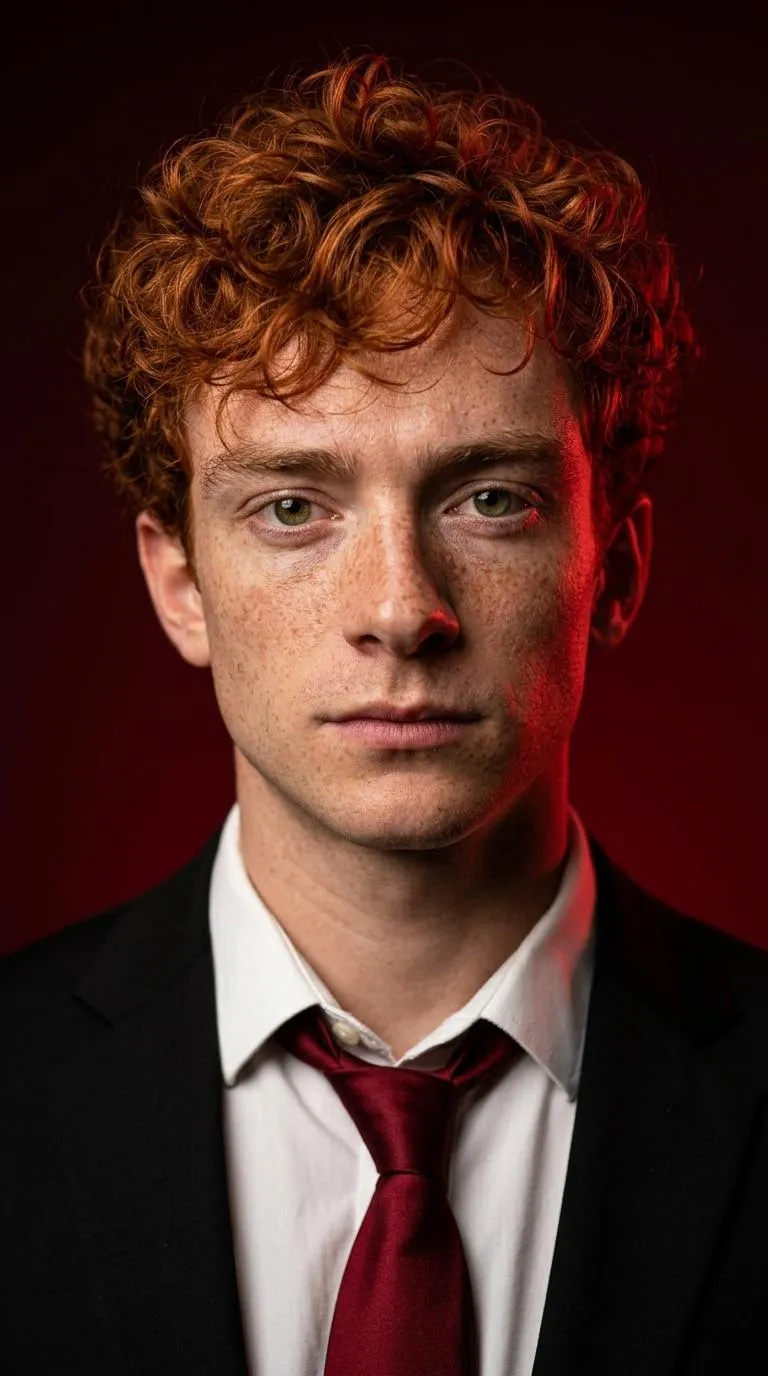
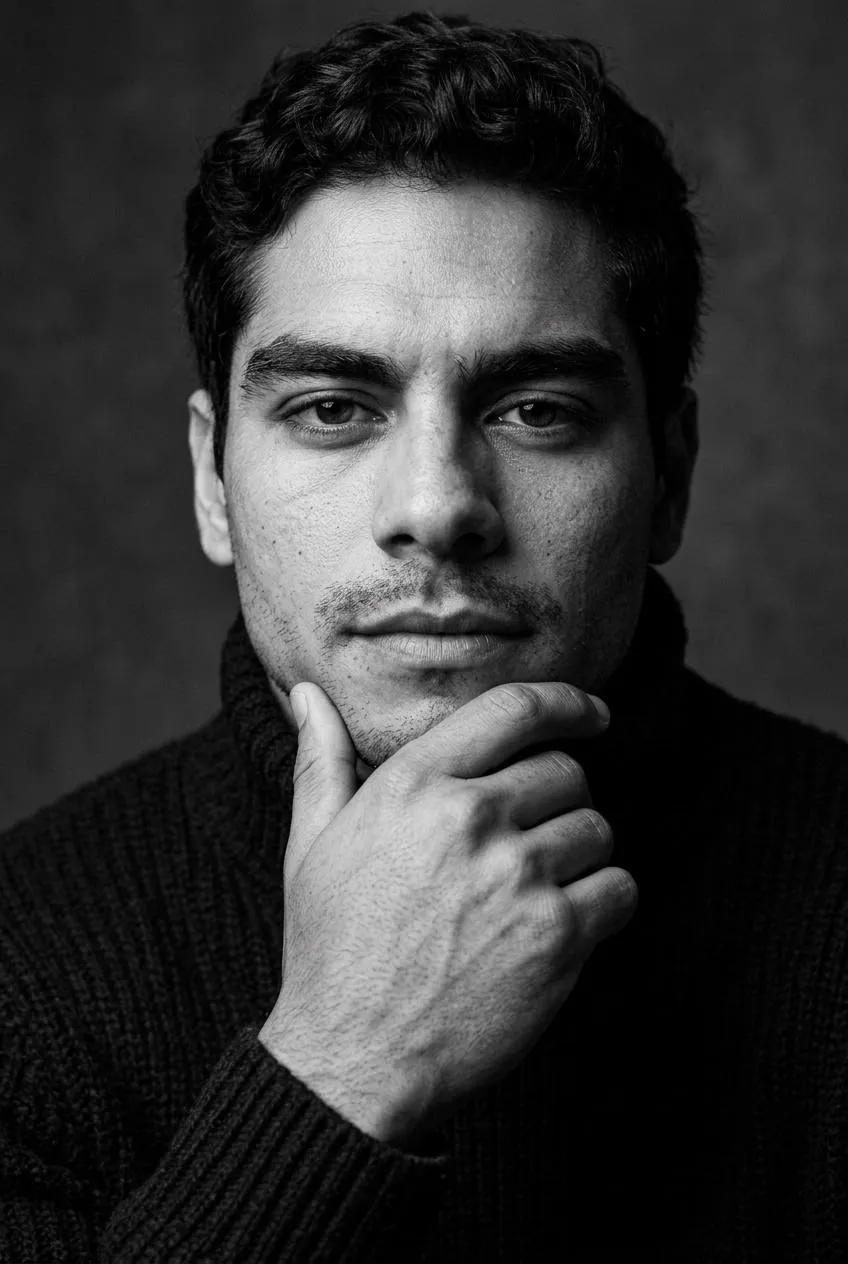
Every template sets an outfit for the portrait. Actor uses a plain dark crew neck top against gray. The AI headshot generator uses the outfit defined by each selected style. Corporate uses a charcoal suit jacket and cream shirt. LinkedIn uses a navy suit jacket and white shirt.
Which selfie do I choose?
Choose a sharp photo that shows your usual hairstyle and appearance. Remove sunglasses and hats, turn off beauty filters and keep hands away from your face. Check that the eyes are in focus in the preview. Your selected photo stays in this browser until you generate, so keep a copy of the original to select it again.
Do I choose a style before taking the selfie?
Compare the style details first so you know which clothing and framing the template sets. LinkedIn uses a vertical 4:5 portrait and a navy suit jacket with a white shirt. Corporate uses a vertical frame with a blazer. Actor sets a plain dark crew neck top and a relaxed pose. For that style, use a selfie with your face clearly visible.
How do I save the portraits after generating?
Open My images and download the JPG files to your device. Keep those JPG files before making smaller crops for profiles or websites. A centered phone crop is also available. Headshots remain available for 7 days after completion. Save your Backup code before changing browsers so you can restore My images while the downloads are still available to you.
How do I check that my selfie is sharp?
Open the photo at full size and look at the eyes, eyebrows and hairline. Those details need to be easy to see. If the face looks soft, steady the phone and take another picture in brighter daylight. Keep your hands away from the lens and face. Choose the clearest recent photo before adding it to the tool for your selected portraits.
Can I take the selfie in everyday clothes?
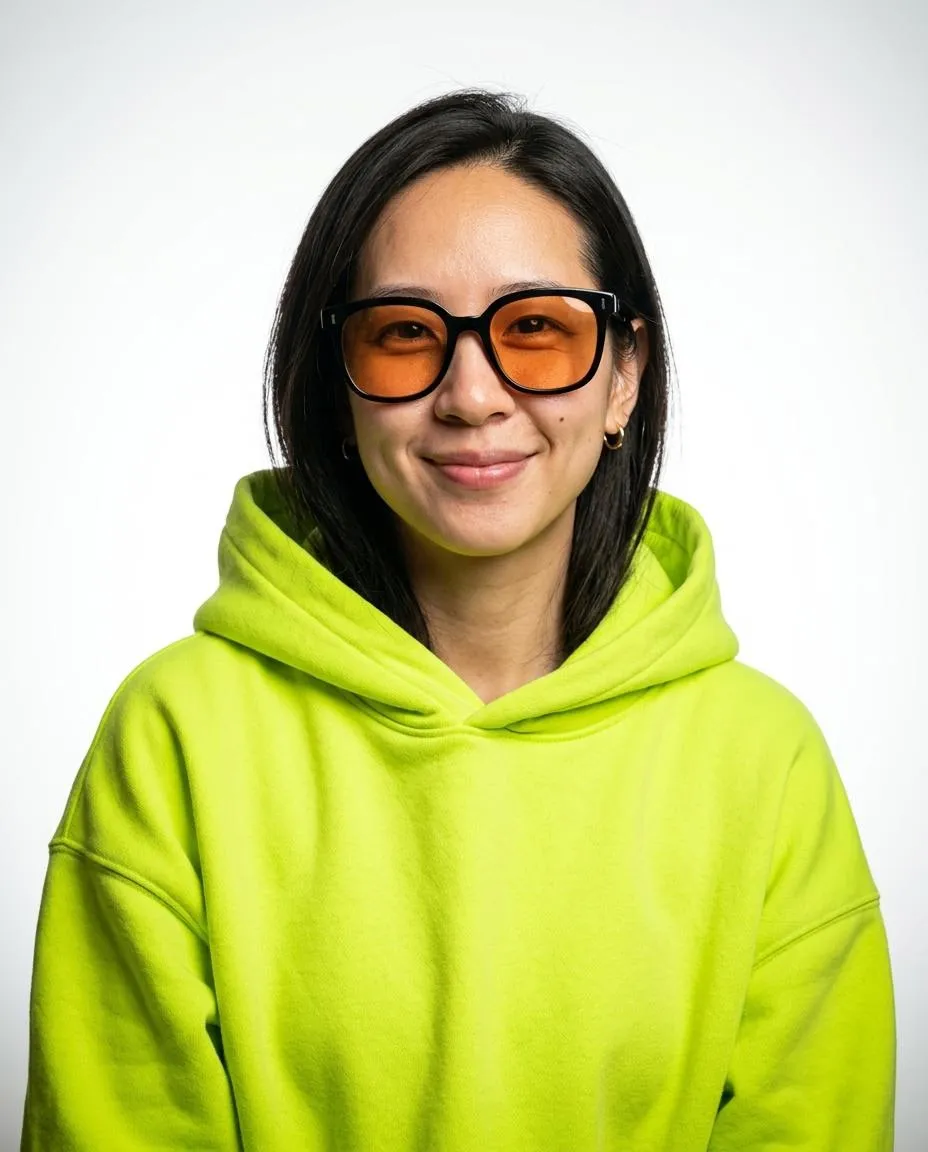
Everyday clothes work for the source selfie because each template sets its own outfit. Keep the neckline below your chin and both shoulders visible. Doctor adds a white coat, while Corporate adds a charcoal jacket and cream shirt. Pop Cover adds a neon hoodie. Pick the finished clothing from the template examples, then let the selfie provide a clear view of your face.
Do I need to copy the pose in the example?
Take a clear selfie facing the camera and let the chosen template set the finished pose. The styles include an upward gaze, a hand on the chin and a turned shoulder. Keeping your own hands away from your face gives the tool a full view of your features. Check the example for the pose you want before selecting that style.
How do I choose a room for my selfie?
Choose a room where daylight reaches your face from a window in front of you. A plain wall behind you keeps the source photo simple. Turn off colored lamps that tint your skin. Look at both cheeks in the preview before taking the picture. The finished backdrop comes from the chosen style, so the room in your selfie is just the starting setting.
Sources
- Take a selfie on your Pixel phone or tabletGoogle Pixel Camera Help
- Take high quality photos on your Pixel phone or tabletGoogle Pixel Camera Help
How do I use the AI headshot generator?
Pick 3 styles and upload one selfie in the AI headshot generator. Buy credits in Pricing, accept the terms and generate. Your selected photo and styles stay in this browser when you return from payment. Download your headshots from My images and save the JPG files on your device.