Blog
How much does a professional headshot cost? Studio, AI and phone options
Studio headshot prices depend on the photographer and the files you need. My Professional Headshot is an AI headshot generator starting at $9.90 for one generation in 3 styles. Compare the files and process you need before buying.
How much does a professional headshot cost at a studio?
Thumbtack’s recorded U.S. average is $304, with a range of $216 to $427. Photographers set their own quotes. Ask which files and editing are included and how you can use the images. Compare the full quote with your intended use, including whether you need a portrait session in person.
How much does the AI headshot generator cost here?
One credit costs $9.90 and creates one generation with 3 headshots. The 3-credit plan costs $19.90 for 3 generations and 9 headshots. The 8-credit plan costs $39.90 for 8 generations and 24 headshots. These are one-time purchases in USD. Credits do not expire and there is no subscription.
| Credits | Price in USD | Generations and headshots | USD per credit |
|---|---|---|---|
| 1 | $9.90 | 1 generation, 3 headshots | $9.90 |
| 3 | $19.90 | 3 generations, 9 headshots | $6.63 |
| 8 | $39.90 | 8 generations, 24 headshots | $4.99 |
How do other AI headshot prices compare?
The recorded starting price for other AI headshot sites is $29, checked in November 2026. The recorded packages start at 30 headshots. Here you choose credits by the number of generations you need. Compare the purchase total and the styles you want before choosing a service. Read current terms on any other site before buying.
What does the price include here?
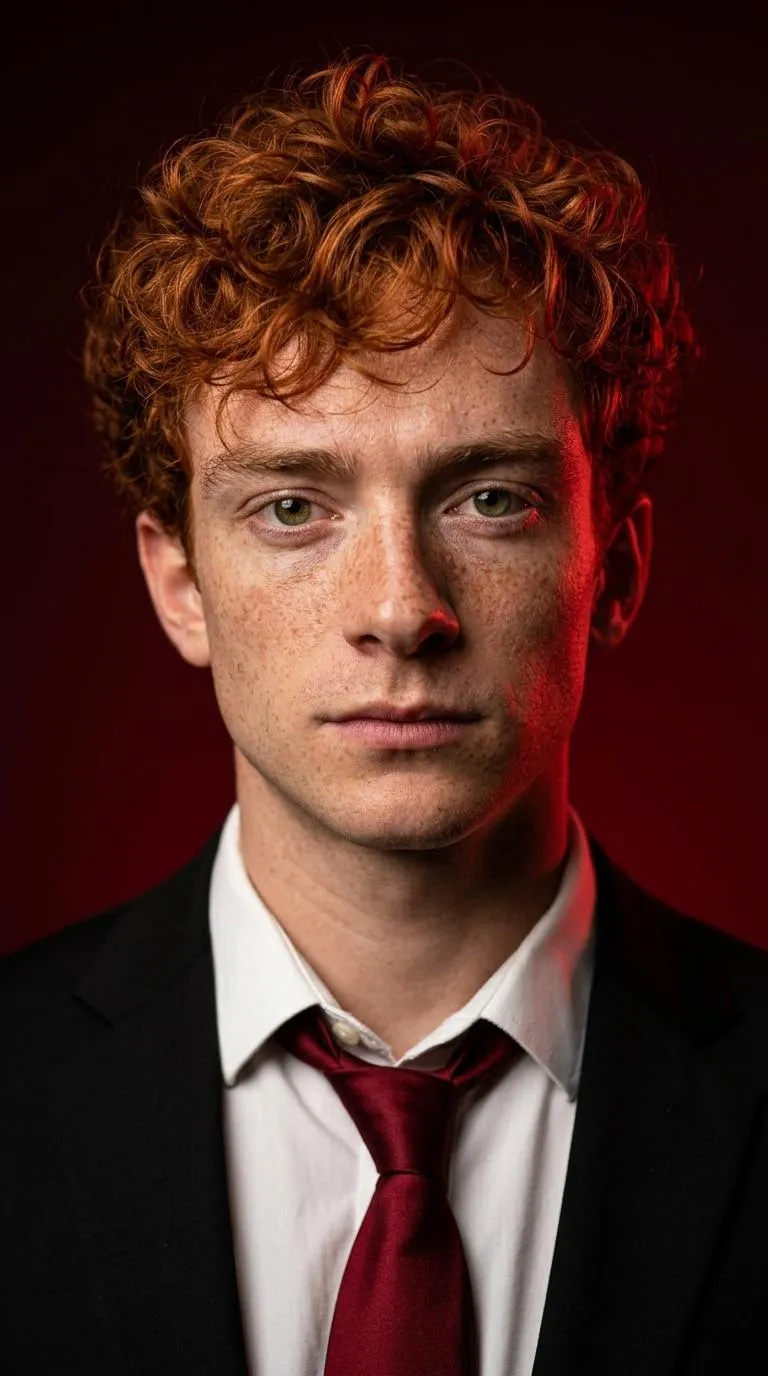
The AI headshot generator applies the 3 styles you choose to your selfie. Each template sets the framing, background and lighting. Every style also sets the outfit. Actor sets a plain dark crew neck top and a relaxed pose. Download the JPG files from My images and save copies on your device for profiles, staff pages or websites.
What do I check before paying?
Compare the styles shown with the portrait you need. Read Pricing for credits and the Photo guide for selfie preparation. Check the download period and save your Backup code before changing browsers. For a photographer, ask for a quote that lists the deliverables. For an application, read its photo requirements before choosing a process.
How do I choose the number of credits?
Count the generations you plan to make before choosing credits. Each generation uses the styles you select for a person. Compare the plan totals in Pricing with the number of sets you need today. Purchases add to your credits. Save your Backup code before changing browsers so you keep access to the purchased credits and available headshots.
What do I ask a photographer before booking?
Ask which files the quote includes, which outfits and backgrounds the session covers and how you receive the finished photos. Explain where you plan to use them, including any print or application requirements. Keep the written quote so you can compare the full purchase with other options. Choose the process that gives you the portrait and files for your intended use.
How do I compare styles before buying credits?
Look at the template’s framing, outfit and background. Pick LinkedIn for a vertical 4:5 portrait with a navy suit jacket and white shirt. Pick Corporate for a vertical 2:3 portrait with a charcoal suit jacket. Decide which looks fit your profile or website before payment so your purchase follows the headshots you actually plan to make and use.
What happens to credits after a failed delivery?
If all headshots fail with no delivery, the credit returns to My images automatically. If any headshot is delivered, the credit is used. Each failed headshot then has up to 3 free redo attempts while the uploaded photo remains available. Photo or text rejection happens before credits are spent. Check My images for the status and downloads associated with your generation.
How do I keep the headshots after the download period?
Save the JPG files on your own device before the download period ends. Make a separate copy for each profile, website or application crop. Keep the JPG files so you can prepare another version without starting from a small file. Your Backup code restores access to your credits on another browser. It does not replace your own stored copies after the available downloads expire.
Sources
- Headshot pricesThumbtack, U.S. average
How do I use the AI headshot generator?
Pick 3 styles and upload one selfie in the AI headshot generator. Buy credits in Pricing, accept the terms and generate. Your selected photo and styles stay in this browser when you return from payment. Download your headshots from My images and save the JPG files on your device.